





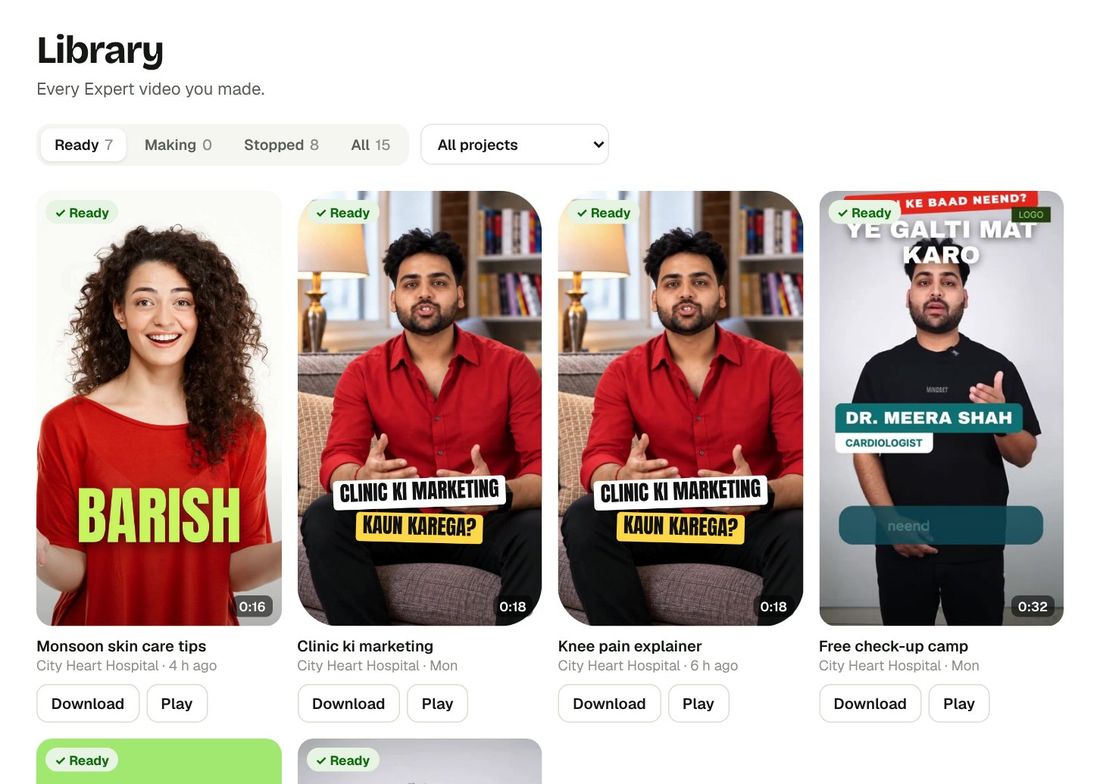
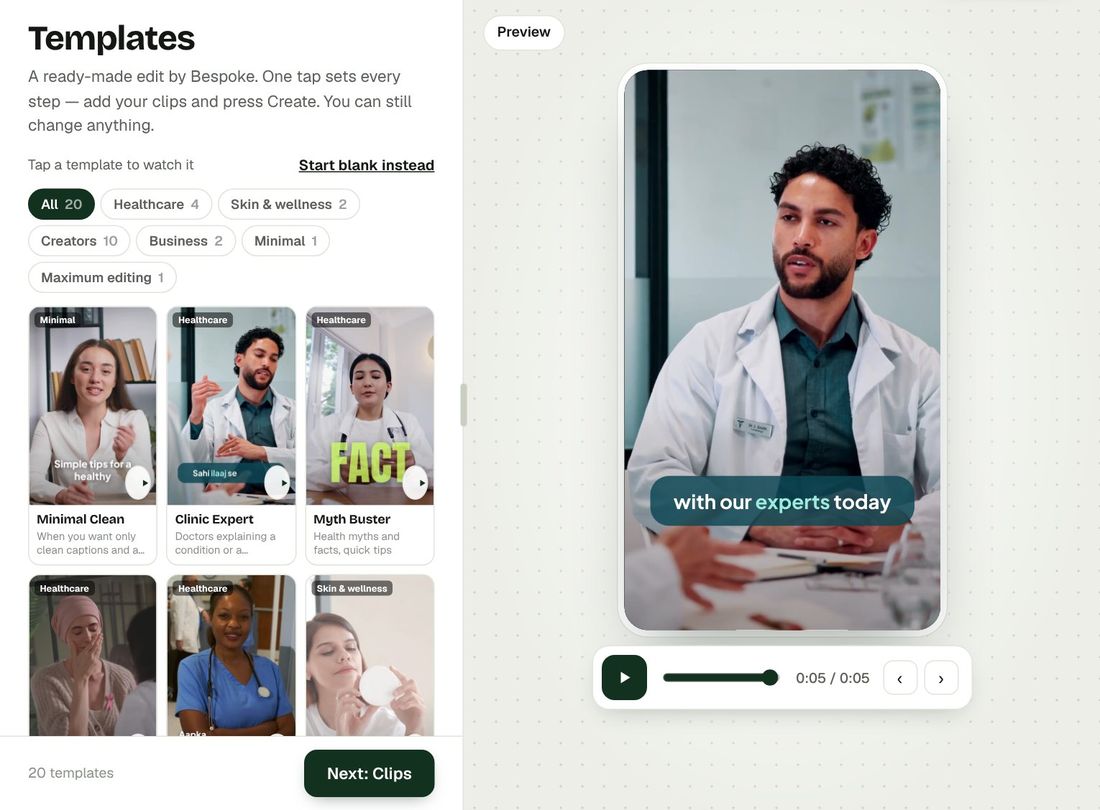
Bring your clips. Any shape. Any script.
Start with the clips you already have. Bespoke joins them, frames them for every platform and finds every word you say.
Clips
Upload one clip or many — straight from your phone. Drag them into the order you want and tap any clip to watch it. Bespoke joins them into one smooth video.
- MP4, MOV, MKV, WebM and AVI
- Many clips joined in your order
- Up to 10 minutes in total
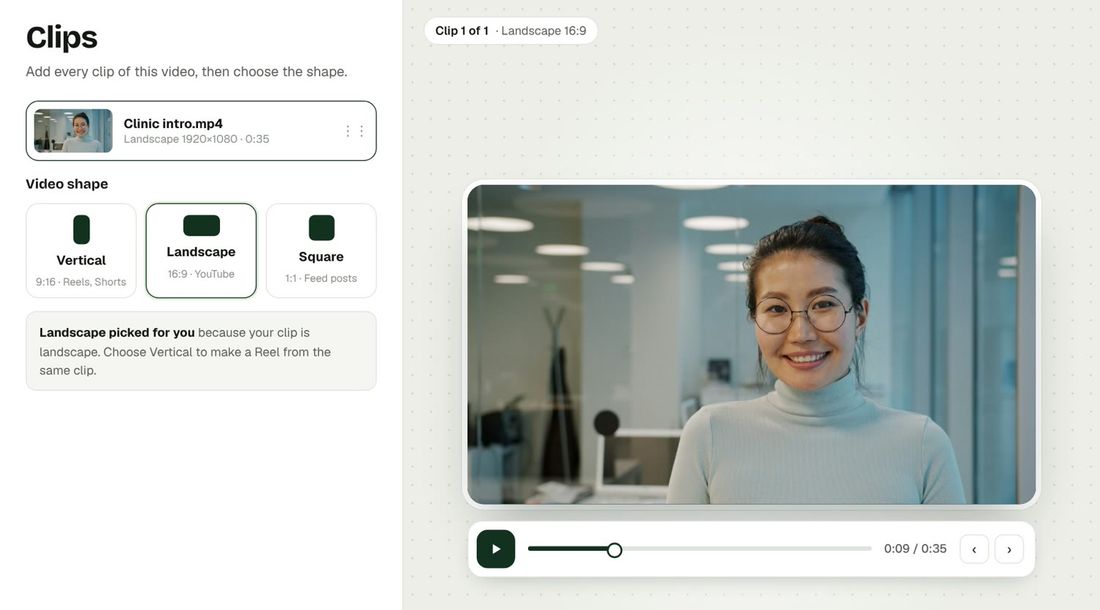
Any shape
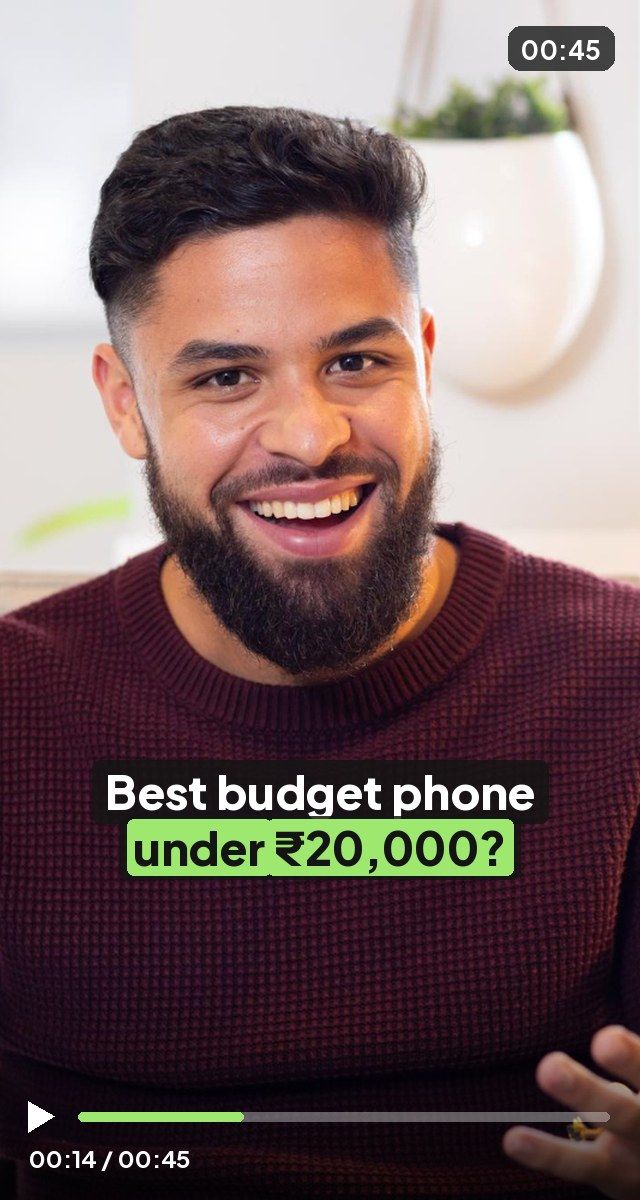
Make a Reel, a YouTube video or a feed post from the same clips. Pick Vertical, Landscape or Square once — captions, B-roll, logo and thumbnail all follow that shape.
- Vertical 9:16 for Reels and Shorts
- Landscape 16:9 for YouTube
- Square 1:1 for feed posts
Script
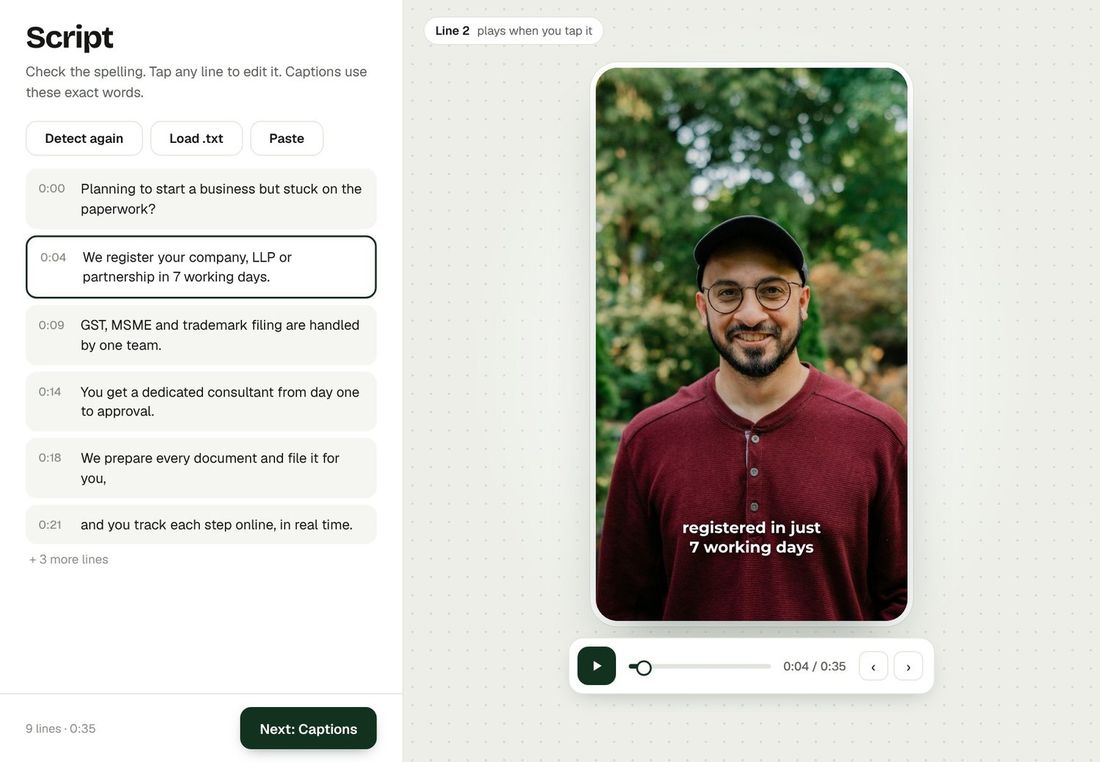
Bespoke listens to your video and writes your script line by line. Paste your own script and it matches it, or fix any word with one tap — captions use exactly these words.
- Hindi, English and Hinglish
- Paste or load a .txt file
- Tap a line to hear it
 Bespoke by The Wictory
Video editing changed.
Forever.
No complexity. No planning. No huge expenses. No waiting for hours or days. Everyone can now get professionally edited videos — without effort.