








Simple plans. Monthly or yearly.
Pick Expert Mode for professional editing with every feature, or Quick Mode for captions, your own B-roll and basic settings. A flat discount is already applied — no coupon codes needed.
Pick a plan. The discount is already in.
Every price is final: a flat discount is already applied on every plan, so no coupon codes are needed. Pay monthly, or pay yearly and get 2 months free.
Quick Mode
Expert Mode
What you get in each mode.
| Feature | Quick Mode | Expert Mode |
|---|---|---|
| Captions | ✓ Auto | ✓ Huge style library |
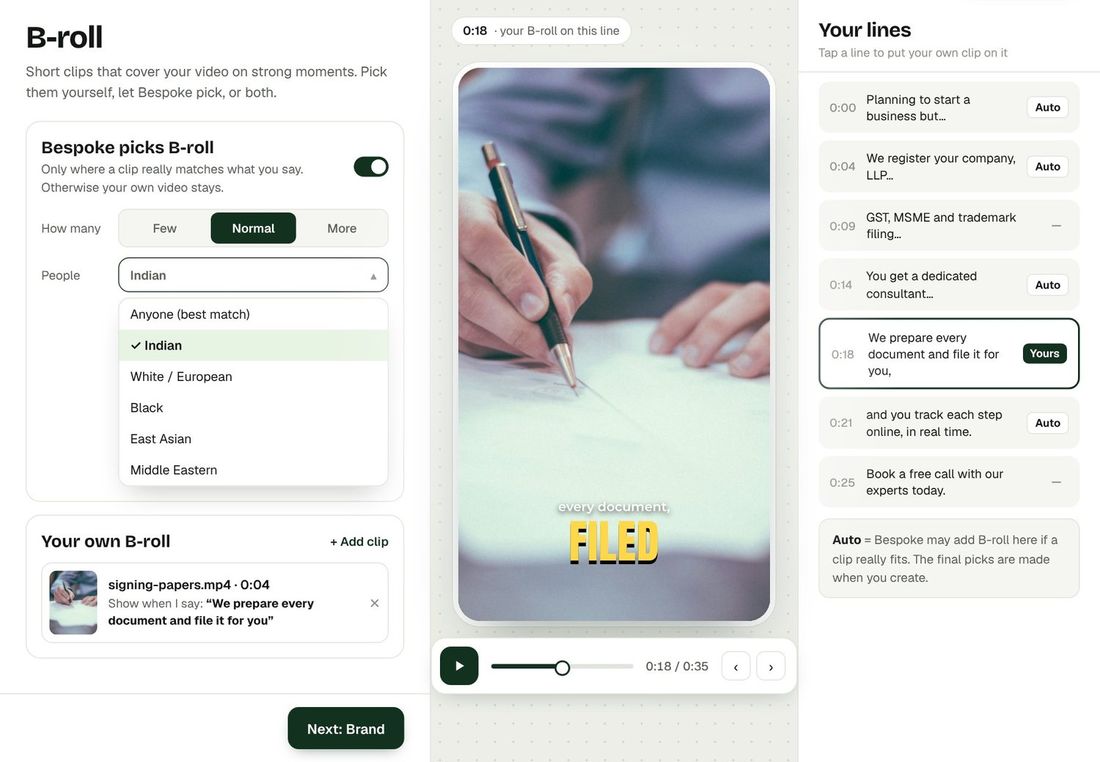
| B-roll (real footage, never AI) | Your own: search or upload | ✓ Real B-roll + your own clips |
| Auto zoom & smart cards | ✓ | ✓ |
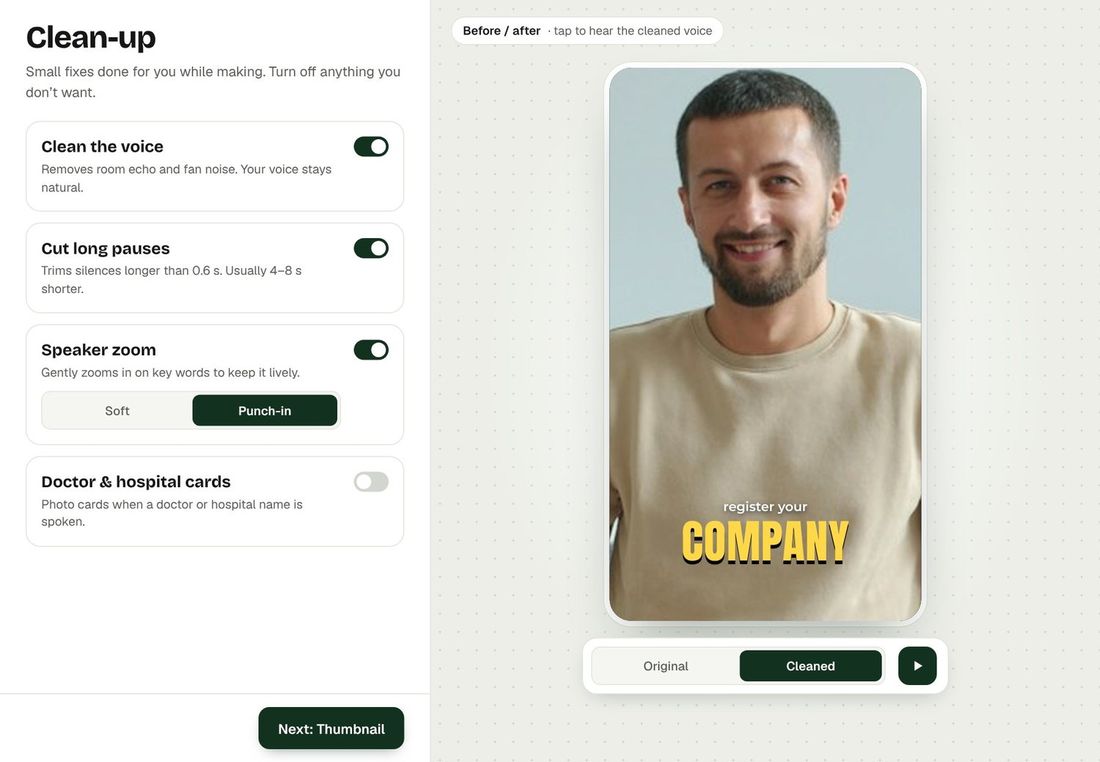
| Studio Voice & pause trim | ✓ | ✓ |
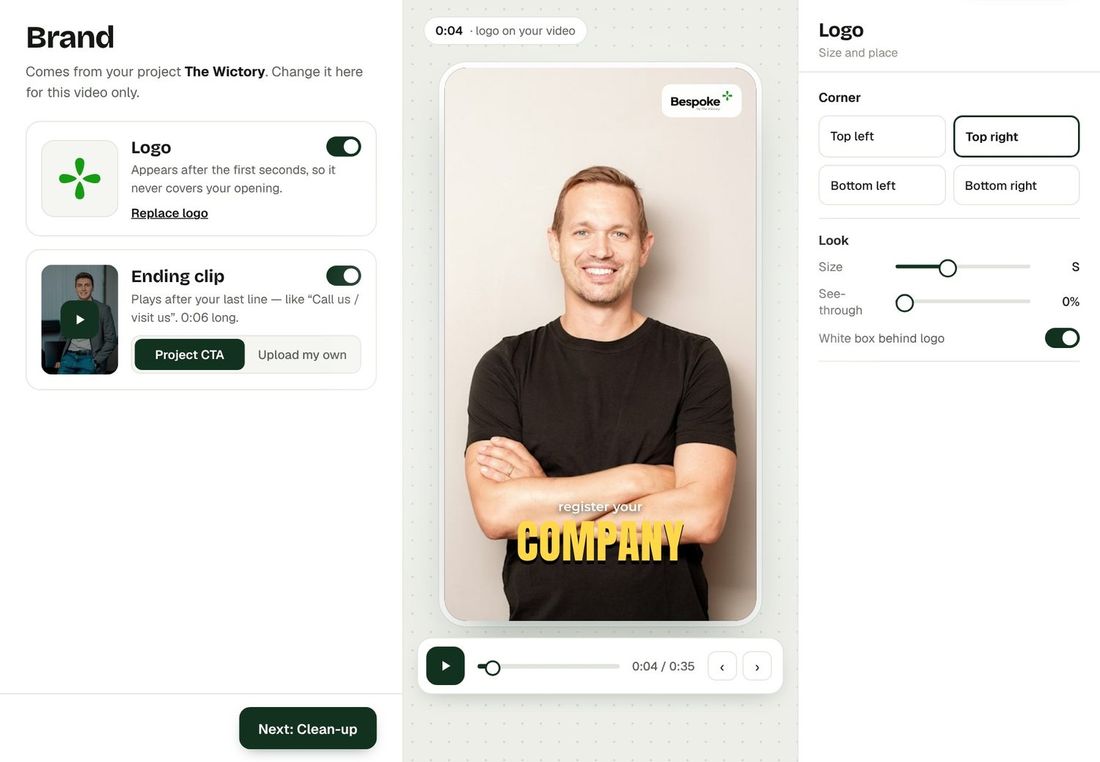
| Ending CTA | ✓ | ✓ + brand kit & logo |
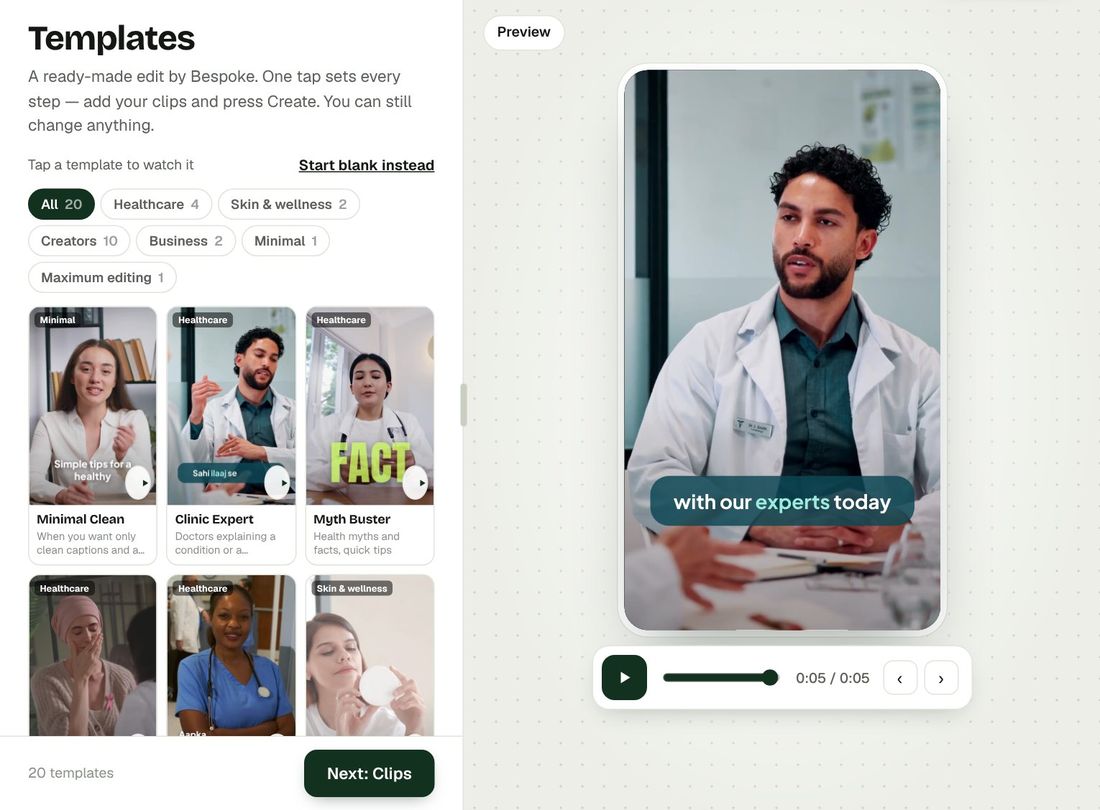
| Ready-made templates | — | ✓ |
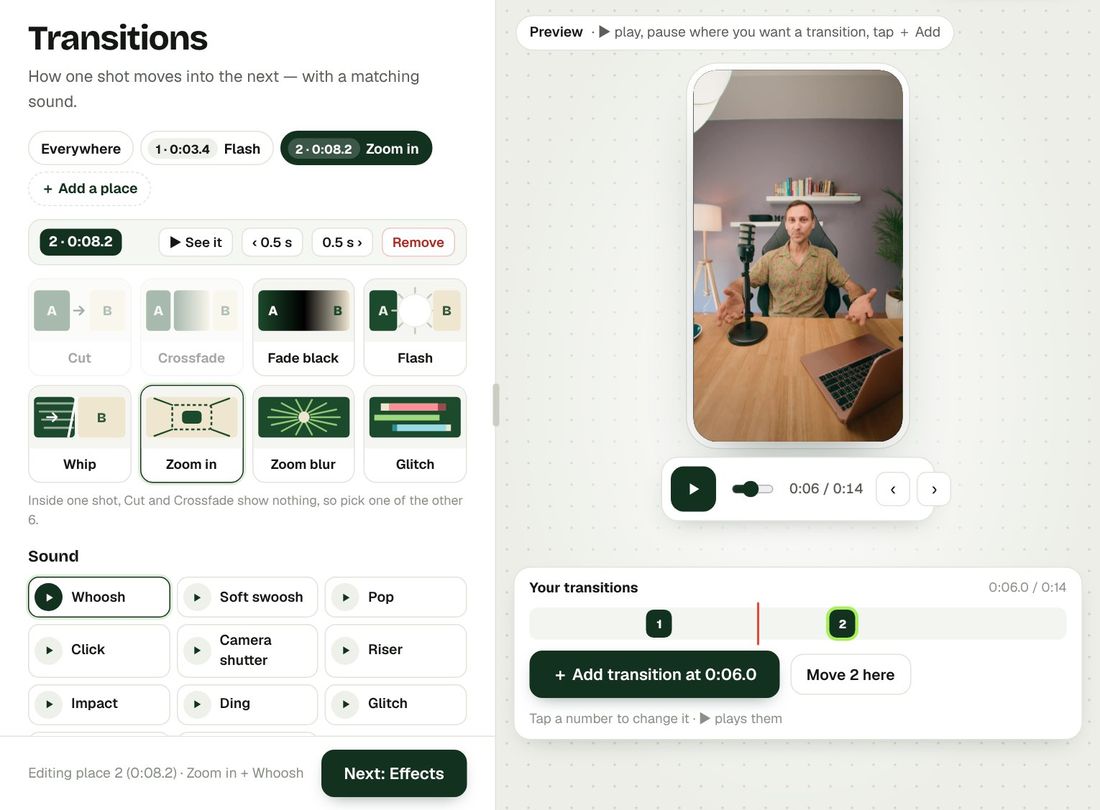
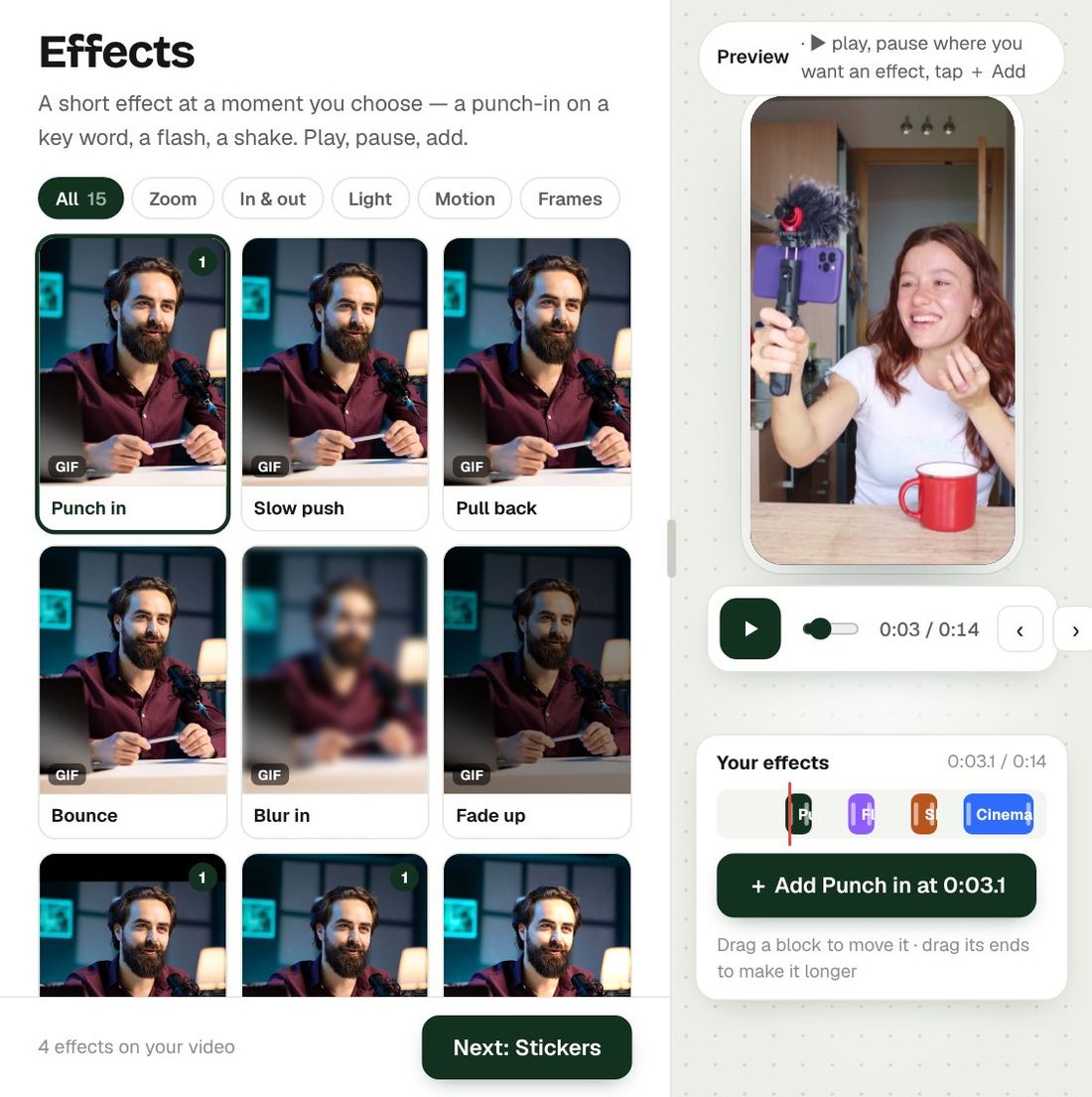
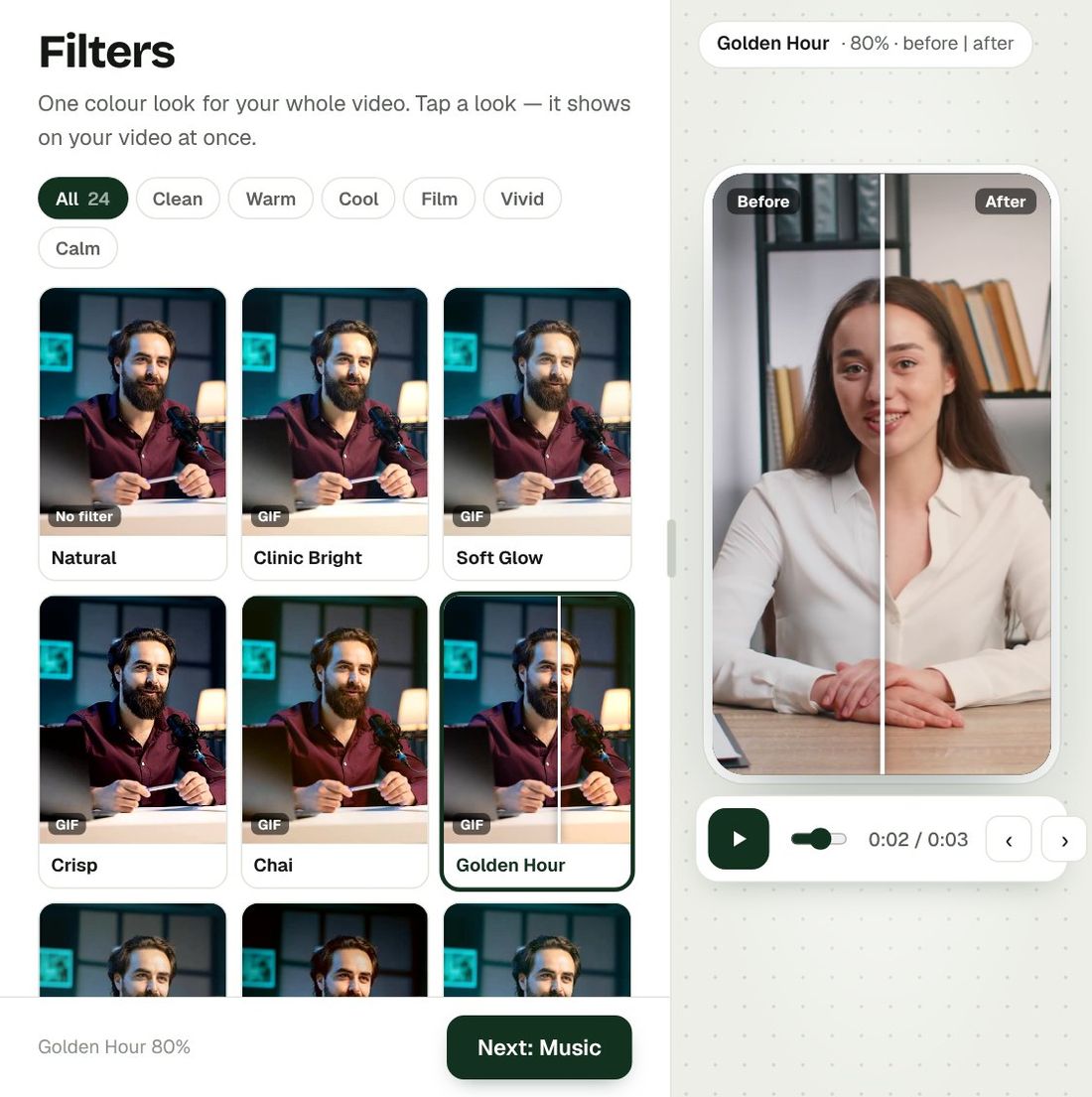
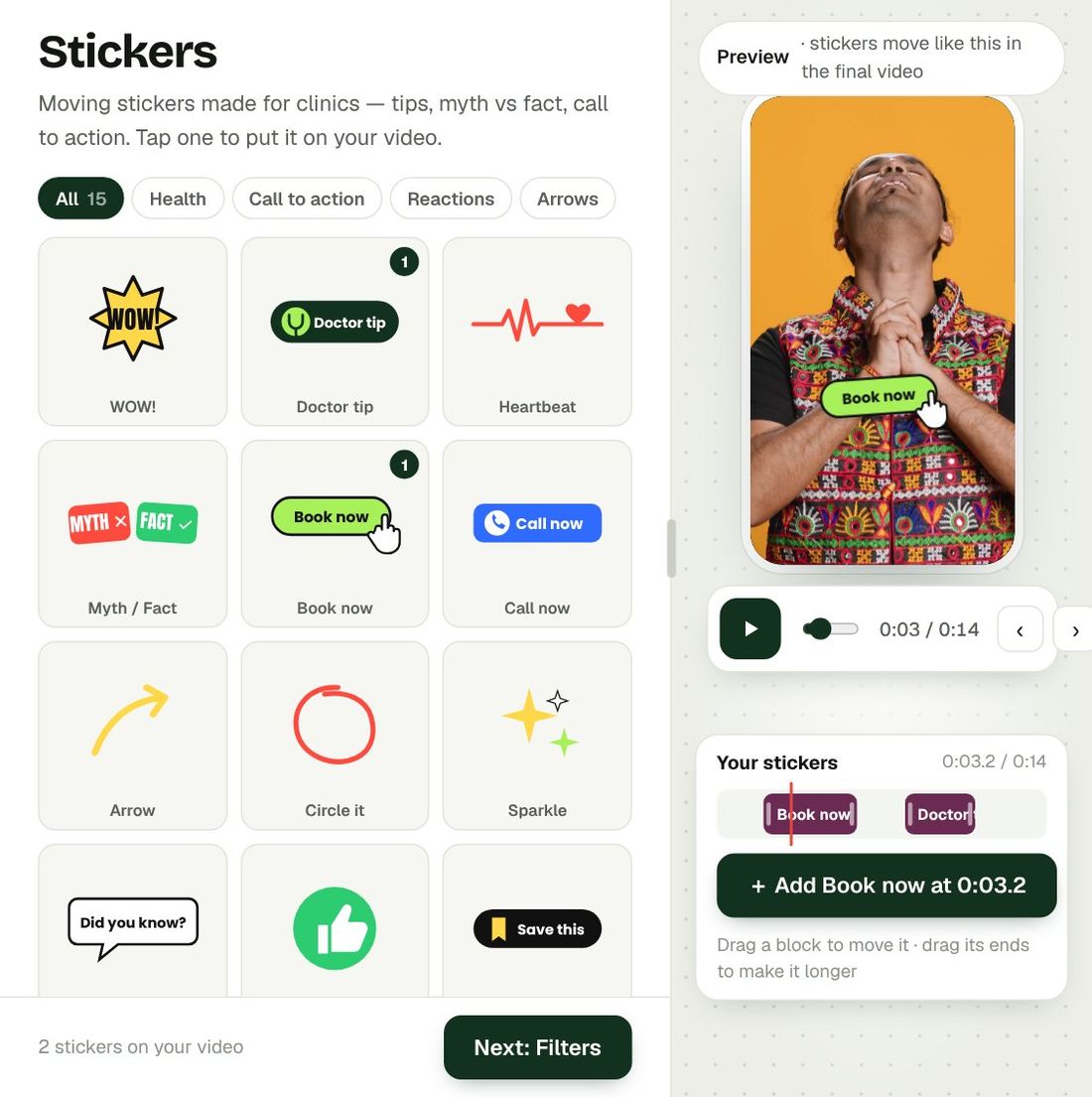
| Transitions, effects, filters, stickers | — | ✓ |
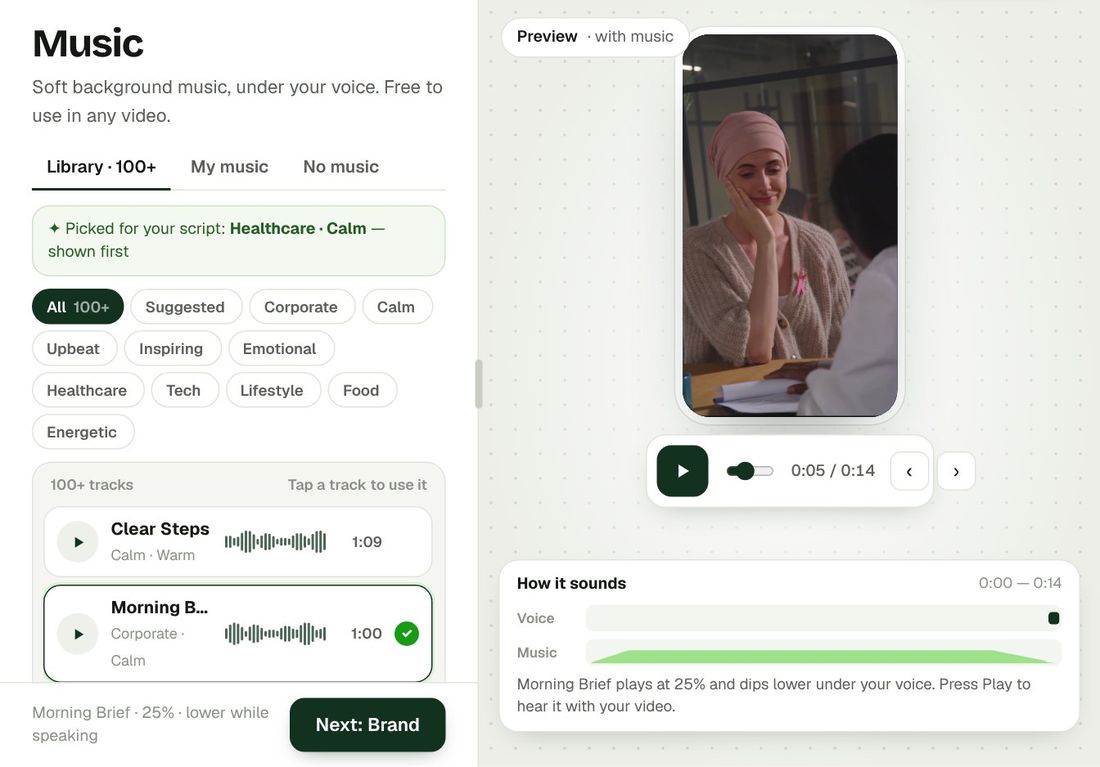
| 100+ music & SFX | — | ✓ |
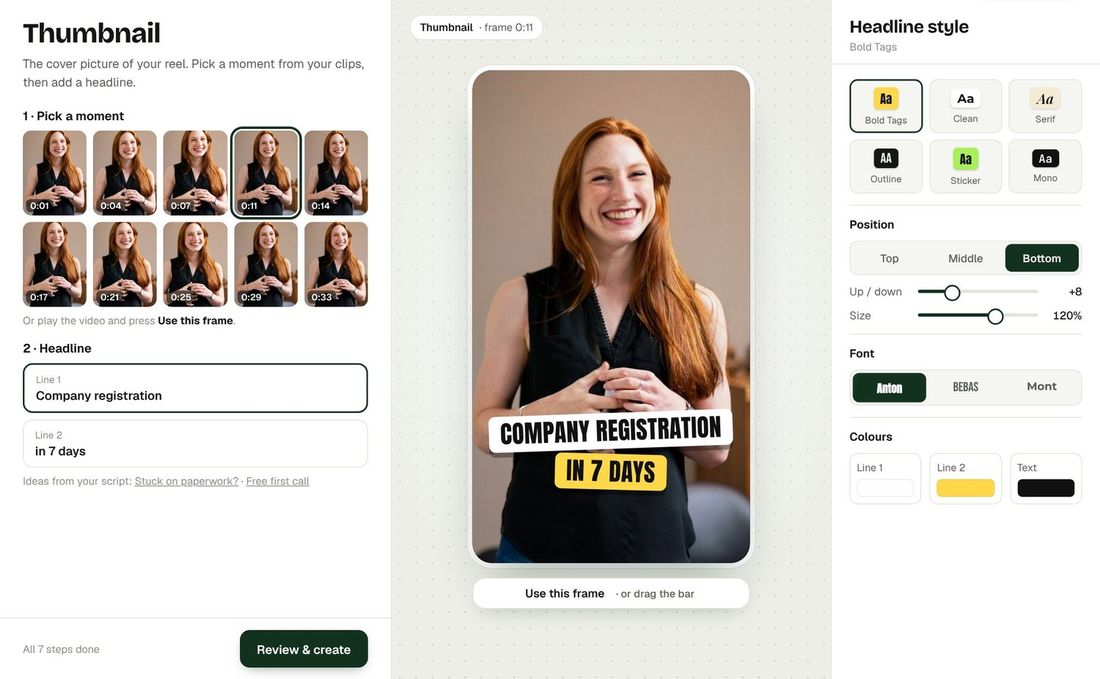
| Thumbnails | — | ✓ |
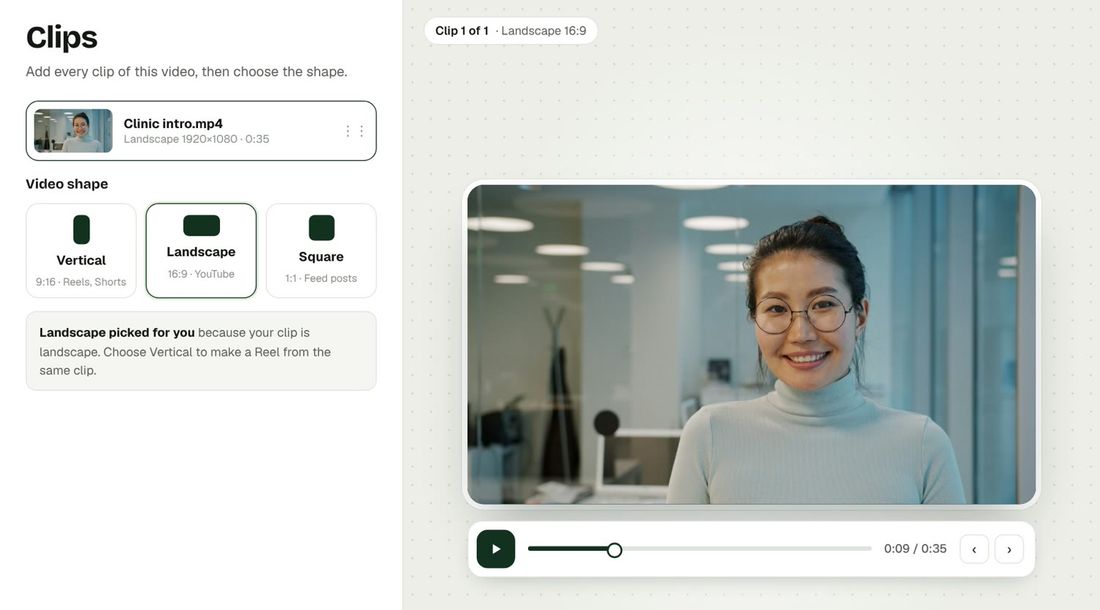
| Any shape (9:16, 16:9, 1:1) | 9:16 | ✓ All |
| Video length | 10 s – 2 min | Up to 10 min |
| Credits per video | 30 | 30 per 3 min |
How does auto-renew work?
For now each plan is a one-time payment: nothing is charged again unless you buy again. When automatic renewal is switched on, a monthly plan renews every month and a yearly plan every year with the payment method you chose, and you get a reminder before each renewal.
Monthly or yearly — what is the difference?
Both give you the same videos every month. A yearly plan is paid once a year and costs the same as 10 months — you get 2 months free. Your credits are added month by month during the year.
How do I stop auto-renew?
Open your plan screen and press Turn off auto-renew. You are not charged again; the credits you already paid for stay until they expire.
Can I get a refund on a yearly plan?
Yes — if you stop a yearly plan, we refund the full months you have not started yet. See our Refund Policy for the details.
What happens to unused credits?
Plan credits are valid for one month. Unused credits expire when the month ends, and your next month of credits arrives on its own — with the renewal on a monthly plan, or automatically every month on a yearly plan.
How are Expert Mode credits counted?
Every Expert video up to 3 minutes uses 30 credits; each extra 3 minutes uses 30 more. Expert videos can be up to 10 minutes — for longer videos, contact support.
How are Quick Mode credits counted?
Any Quick Mode video from 10 seconds to 2 minutes uses 30 credits.
What if a video fails?
The credits are returned to your account automatically.
Do you have plans for agencies and large teams?
Yes — use a custom pack, or talk to our sales team for volumes above 1,000 videos a month.
 Bespoke by The Wictory
Video editing changed.
Forever.
No complexity. No planning. No huge expenses. No waiting for hours or days. Everyone can now get professionally edited videos — without effort.