






How to create magic in your videos.
Quick Mode: upload, wait a few minutes, download. Expert Mode: 13 short steps on one page, then Create — nothing is made until you press Create.
13 steps. One Create button.
Start from a template
Pick one of the pro-edited templates. A short sample shows the look, and one tap sets every step.
Learn more about Templates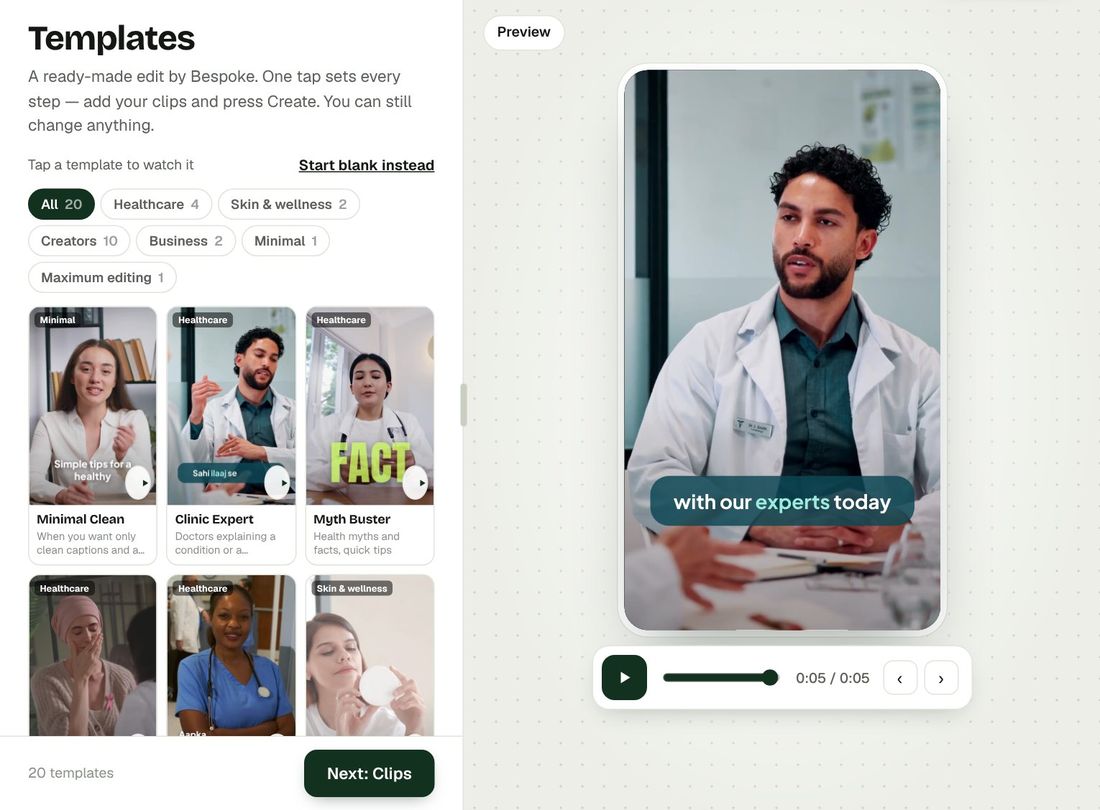
Add your clips
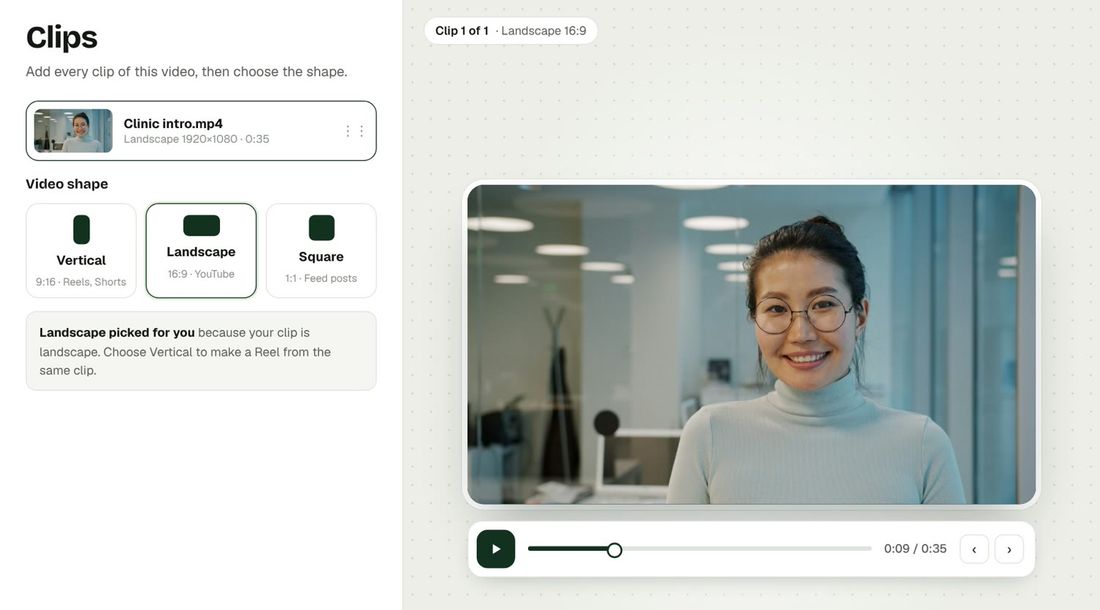
Drop one clip or many. Drag them into order and pick Vertical, Landscape or Square.
Learn more about clips
Get the words
Press Detect and Bespoke writes your script line by line. Fix any spelling — captions use exactly these words.
Learn more about words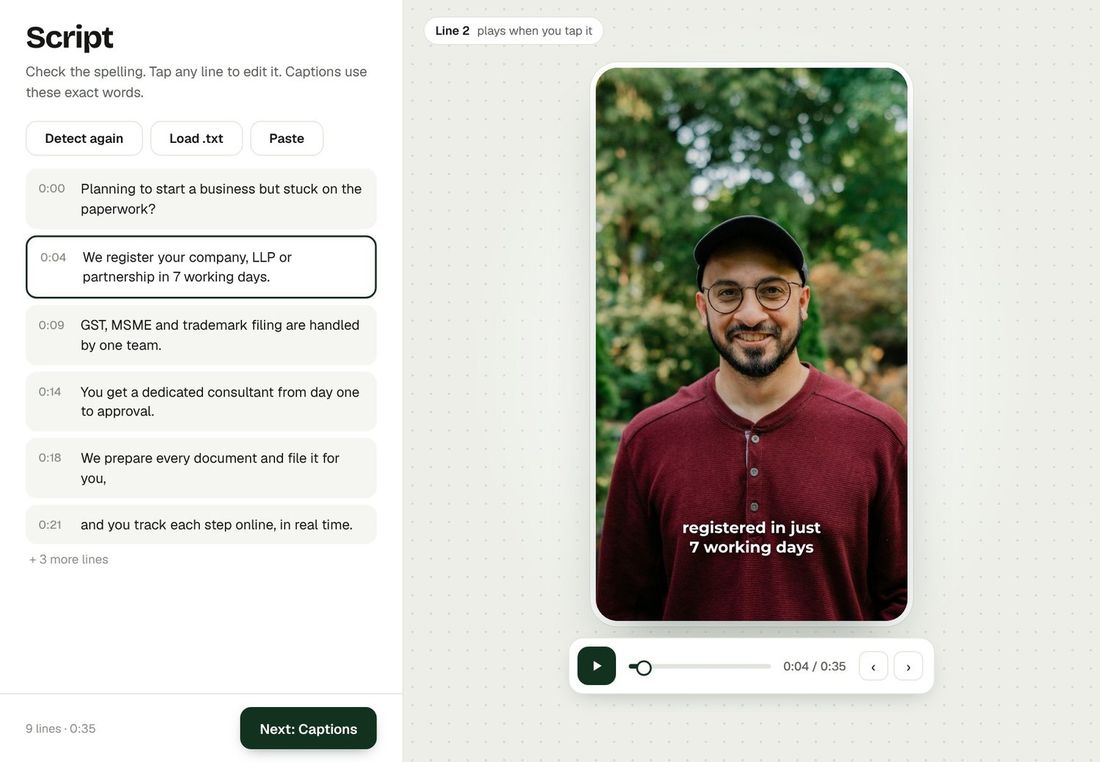
Pick your captions
Choose a style and see it on your own video. Move it, resize it, pick colours, fonts and key words.
Learn more about captions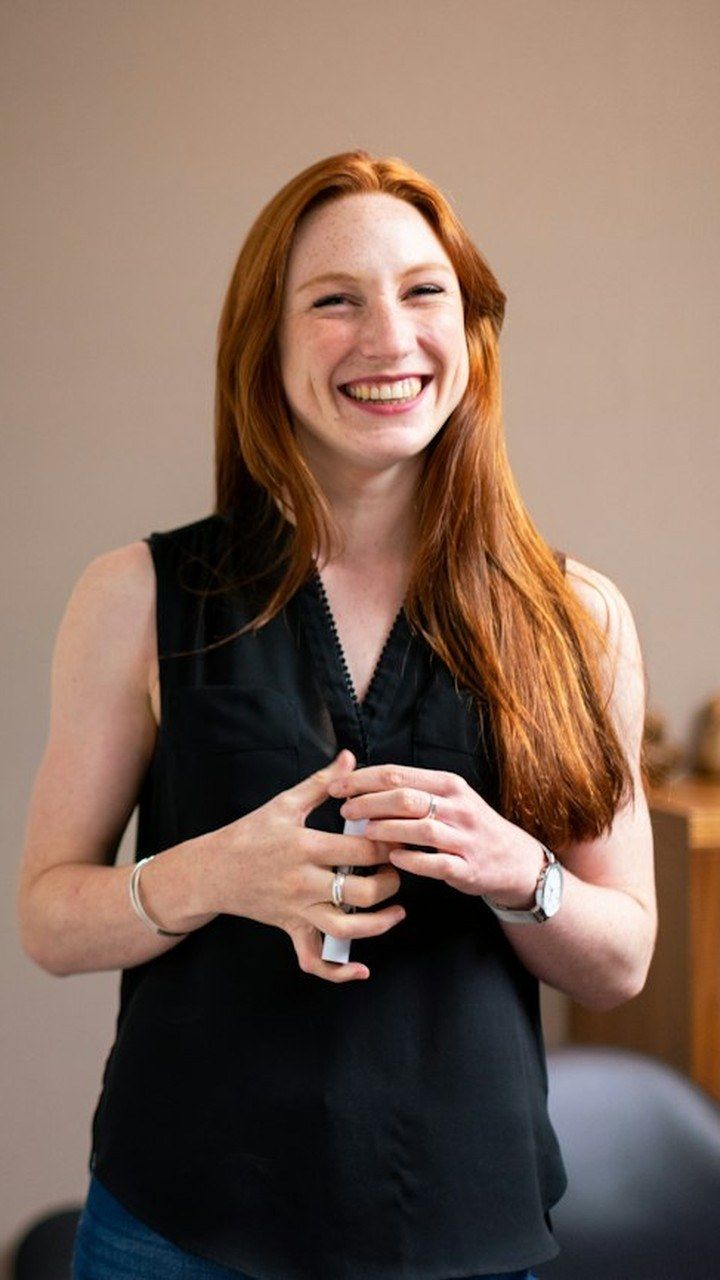
stands out
Add B-roll
Real stock clips only where they match what you say. Add your own clips too.
Learn more about B-roll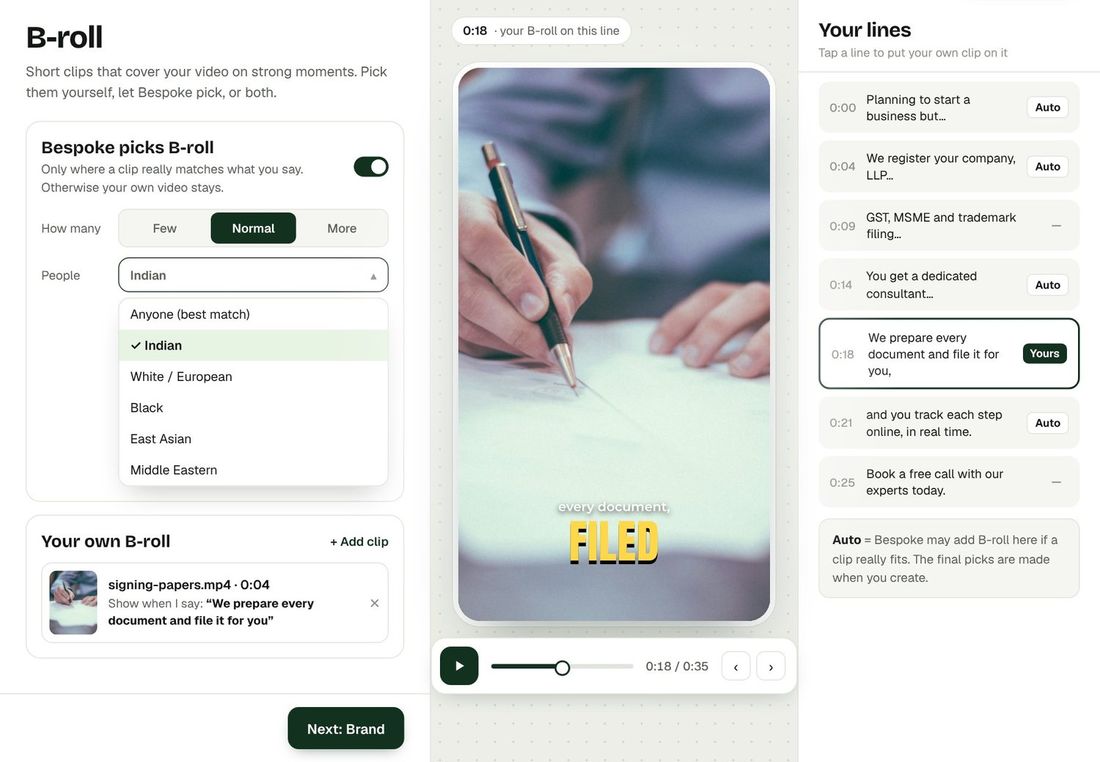
Add transitions
Pause where you want a transition and tap Add — each with its own look and sound.
Learn more about transitions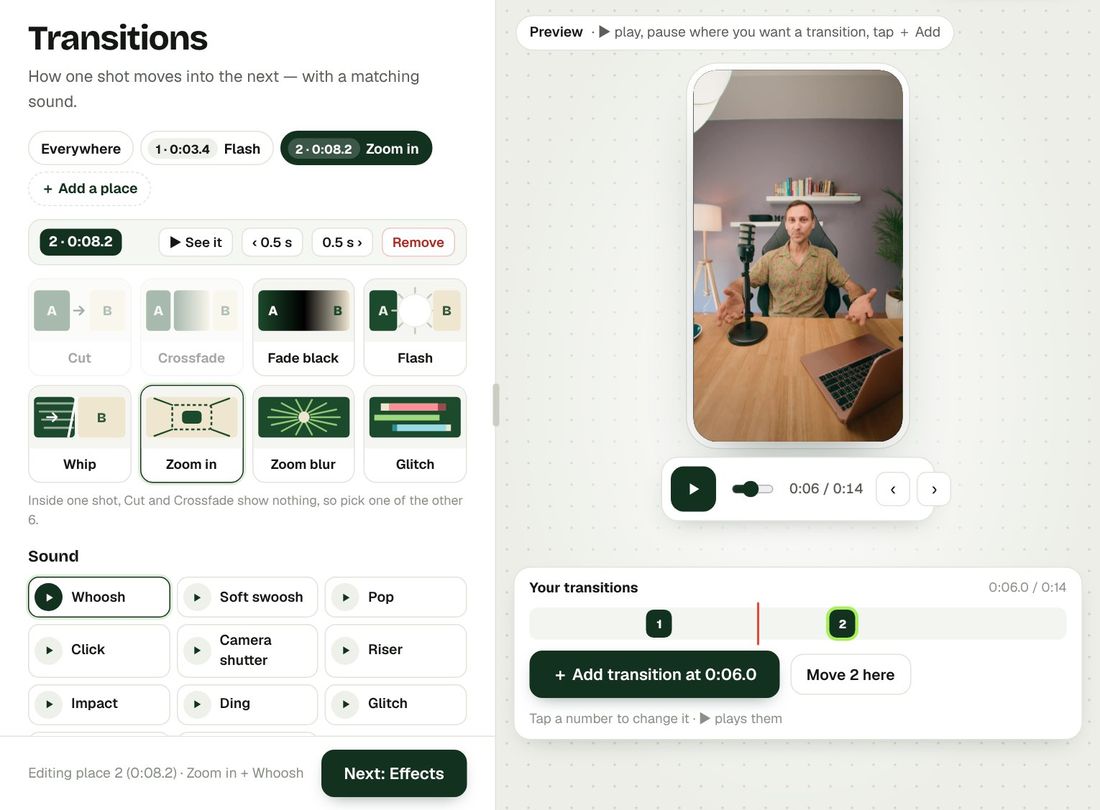
Add effects
A punch-in on a key word, a slow push, a flash — exactly where you want it.
Learn more about effects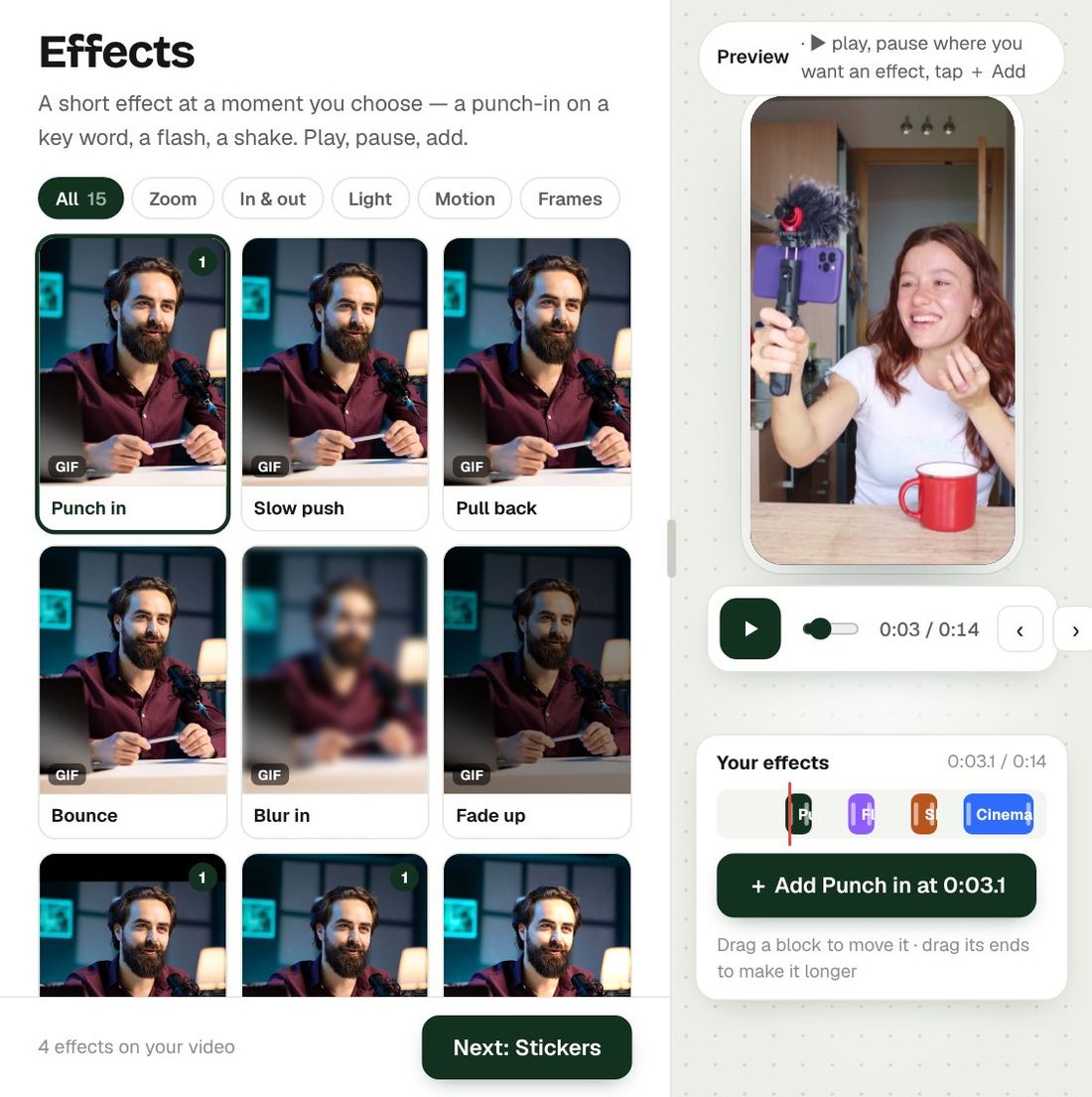
Add stickers
Reactions, arrows and call-to-action stickers on your timeline.
Learn more about stickers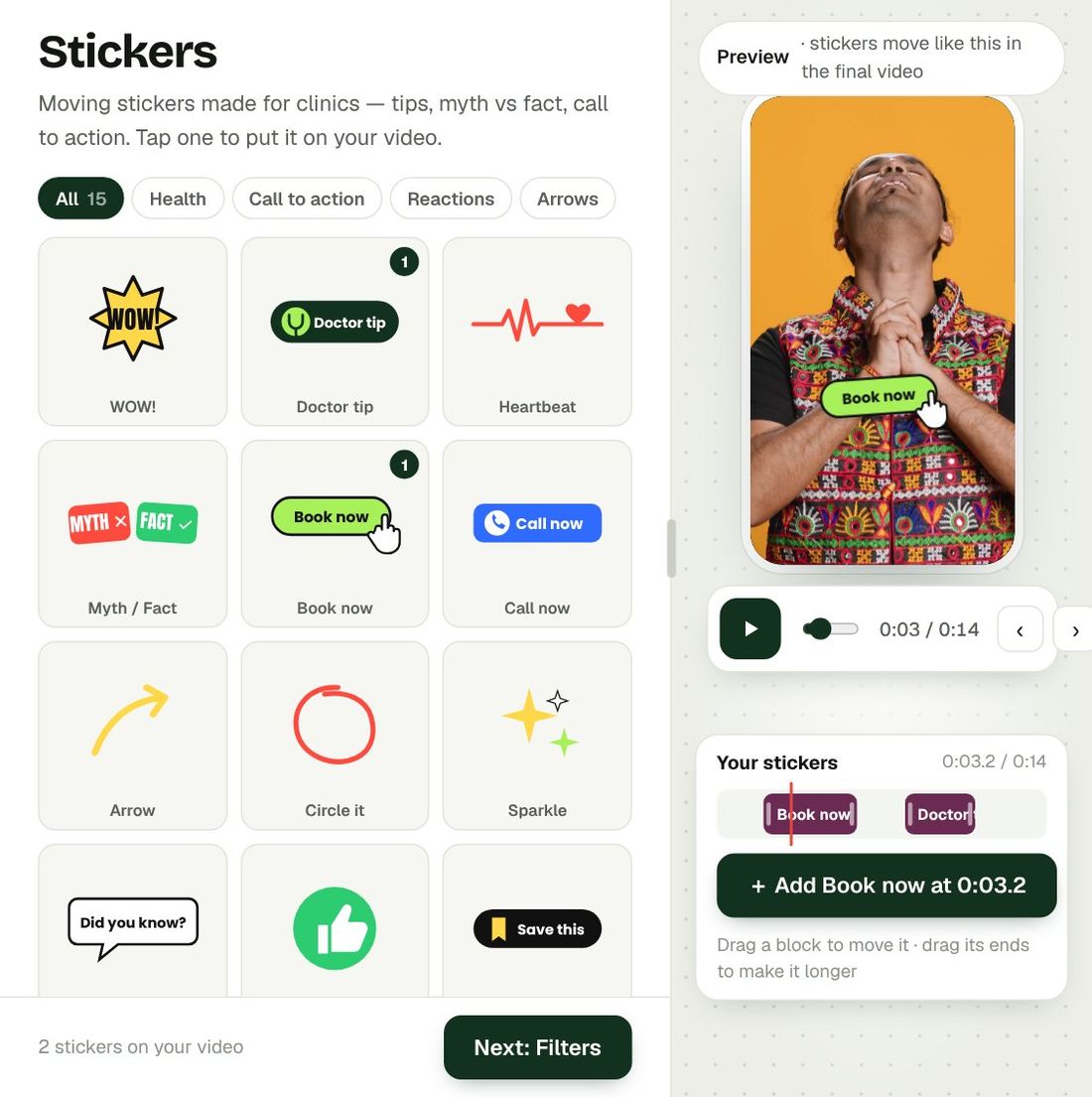
Your brand
Your logo and ending clip are added for you. Change the corner, size or ending.
Learn more about brand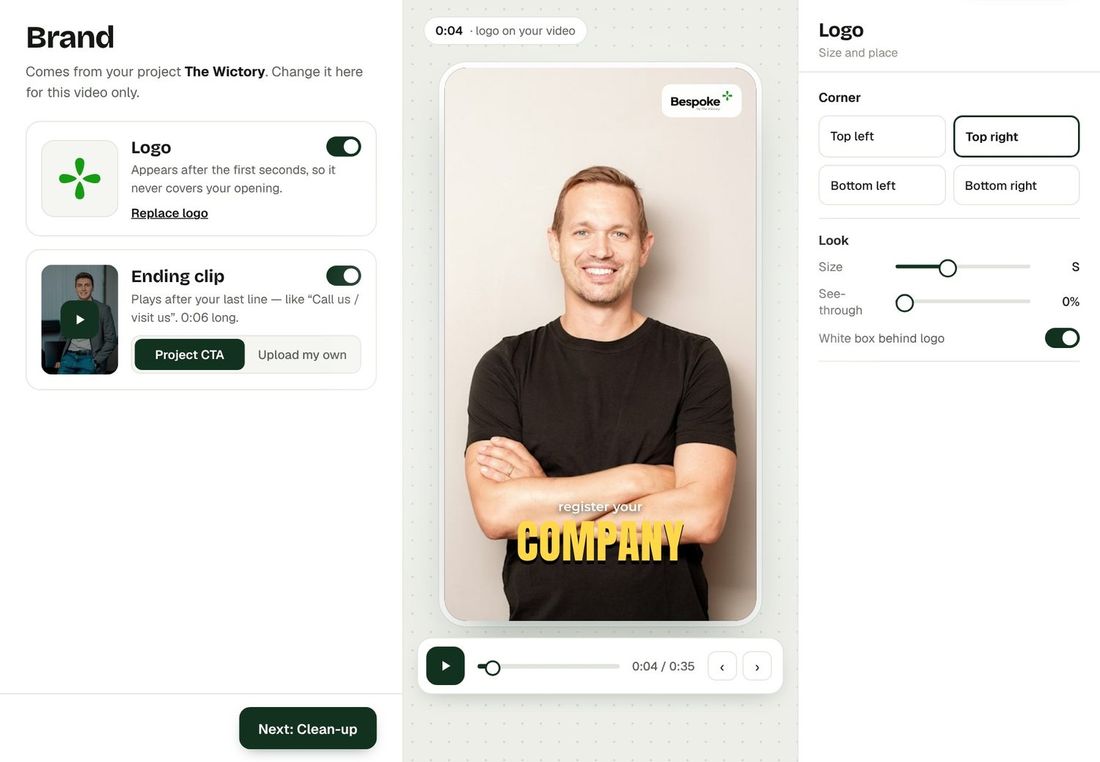
Clean-up
Clean voice, shorter pauses and a gentle speaker zoom — each one a switch.
Learn more about Clean-up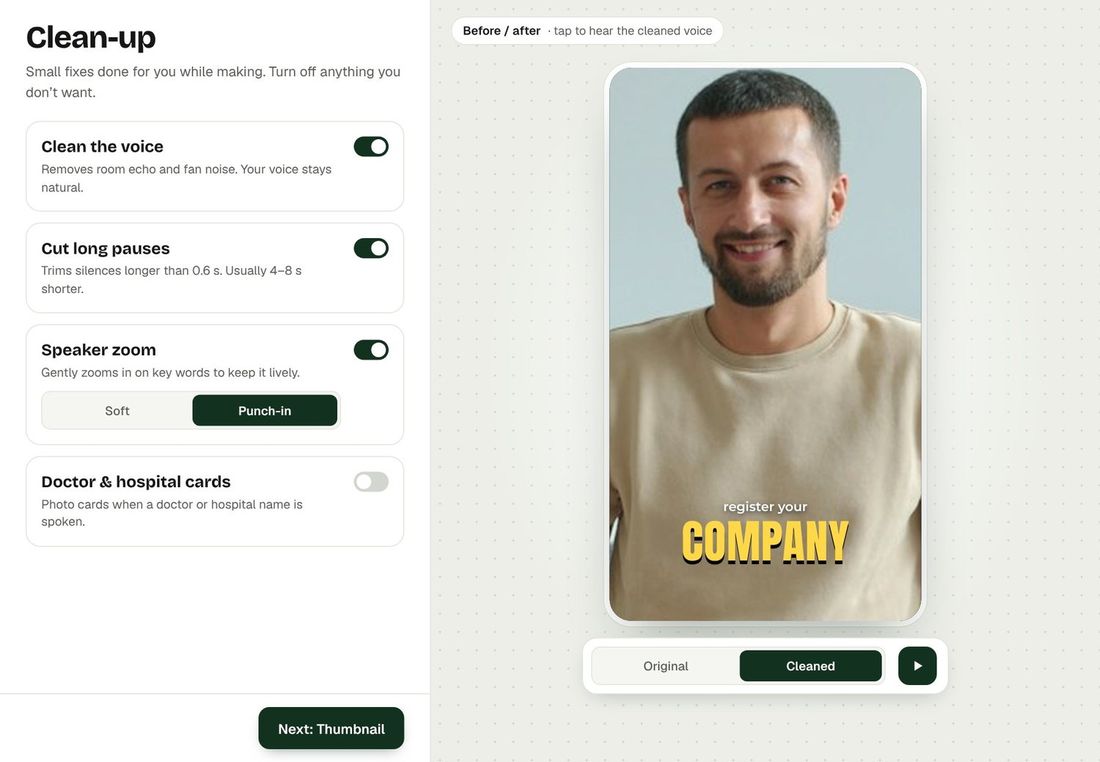
Make the thumbnail
Pick the best moment and add a two-line headline in your style. Then press Create.
Learn more about thumbnail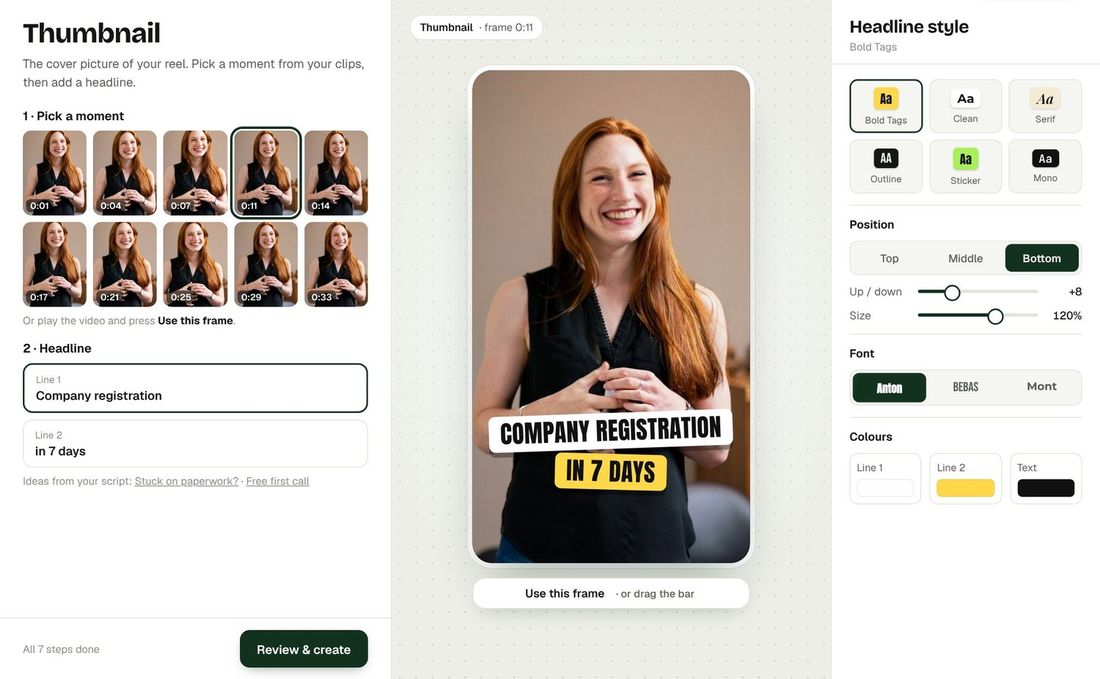
 Bespoke by The Wictory
Video editing changed.
Forever.
No complexity. No planning. No huge expenses. No waiting for hours or days. Everyone can now get professionally edited videos — without effort.