




1. Create your account
Click Get started free, enter your name, email and a password, and open the verification link we email you. Then log in.
2. Claim your free videos
Verify your Indian mobile number with the one-time code to receive 60 credits – 2 free videos.
3. Create a project
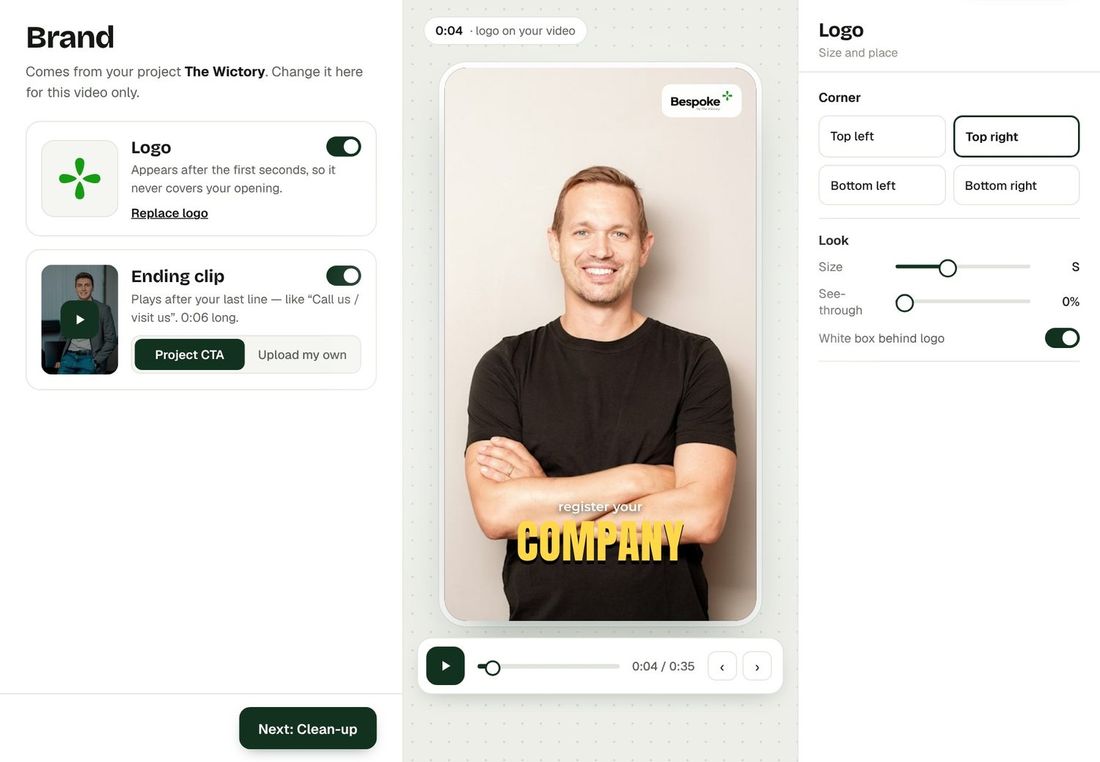
A project holds one client or brand. Add the project name and, optionally, a hospital or brand card, presenter photos per department, and a 9:16 call-to-action image or video.
4. Record well
- Record in portrait (9:16), 1080p or higher, with the face well lit from the front.
- Use a clip-on or close microphone if you can; Studio Voice handles moderate background noise.
- Keep the camera steady and look into the lens.
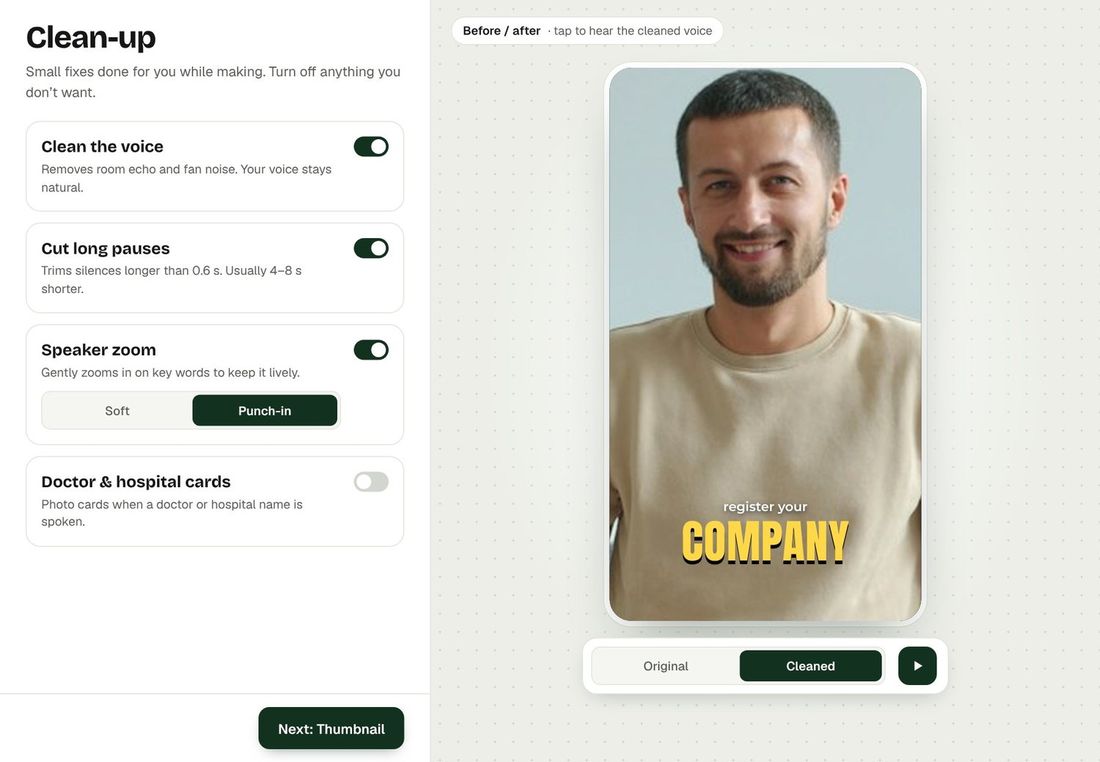
- Speak your script naturally – Bespoke trims long pauses for you.
5. Create the video
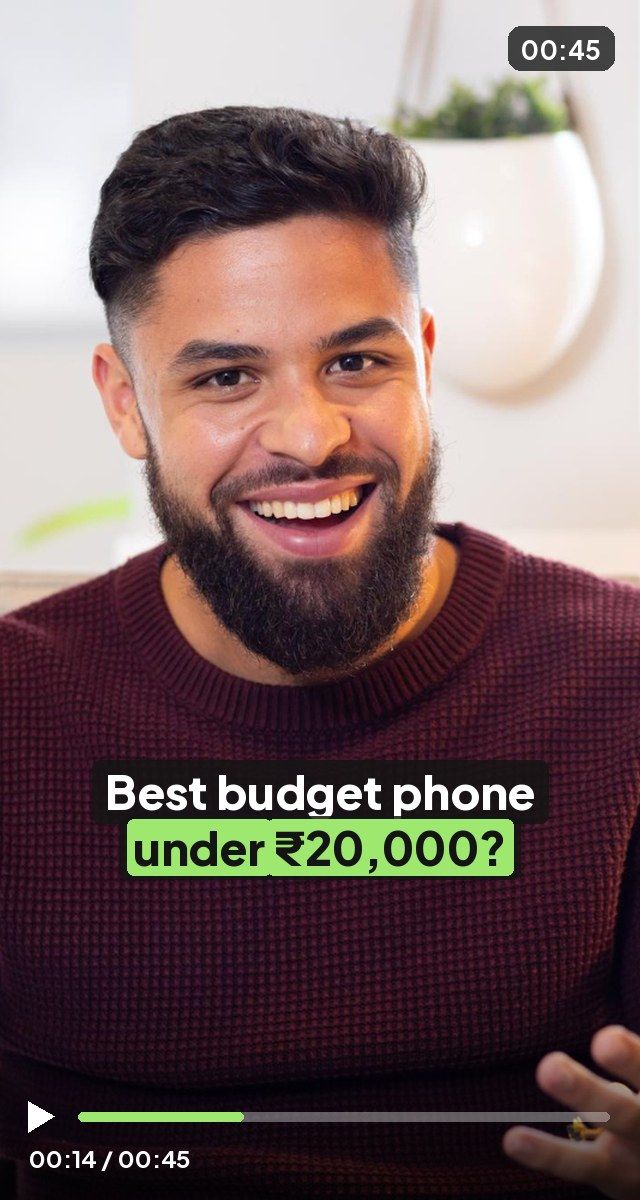
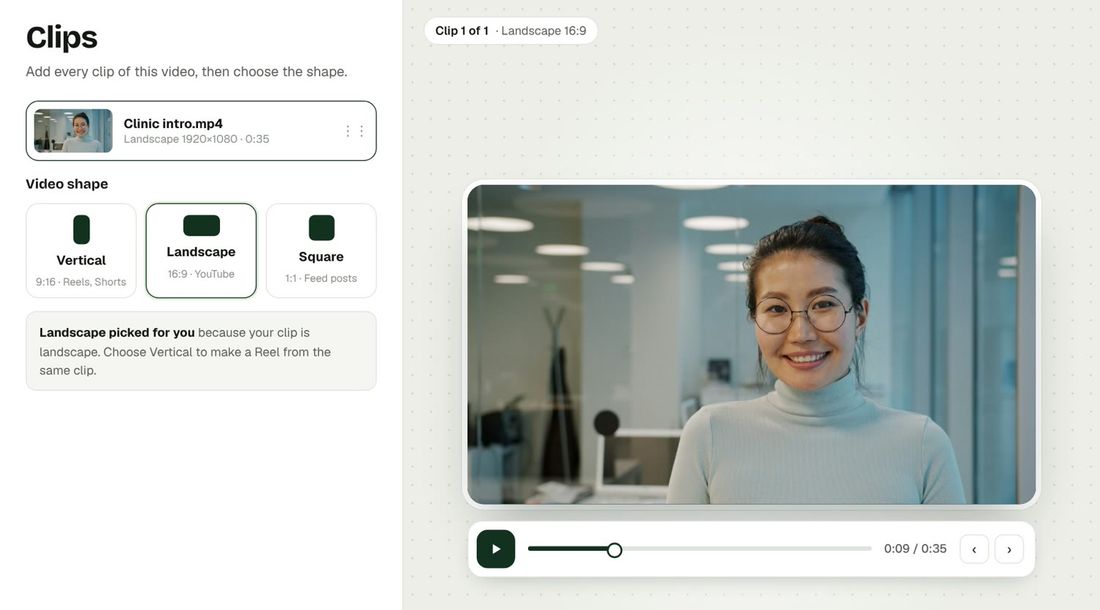
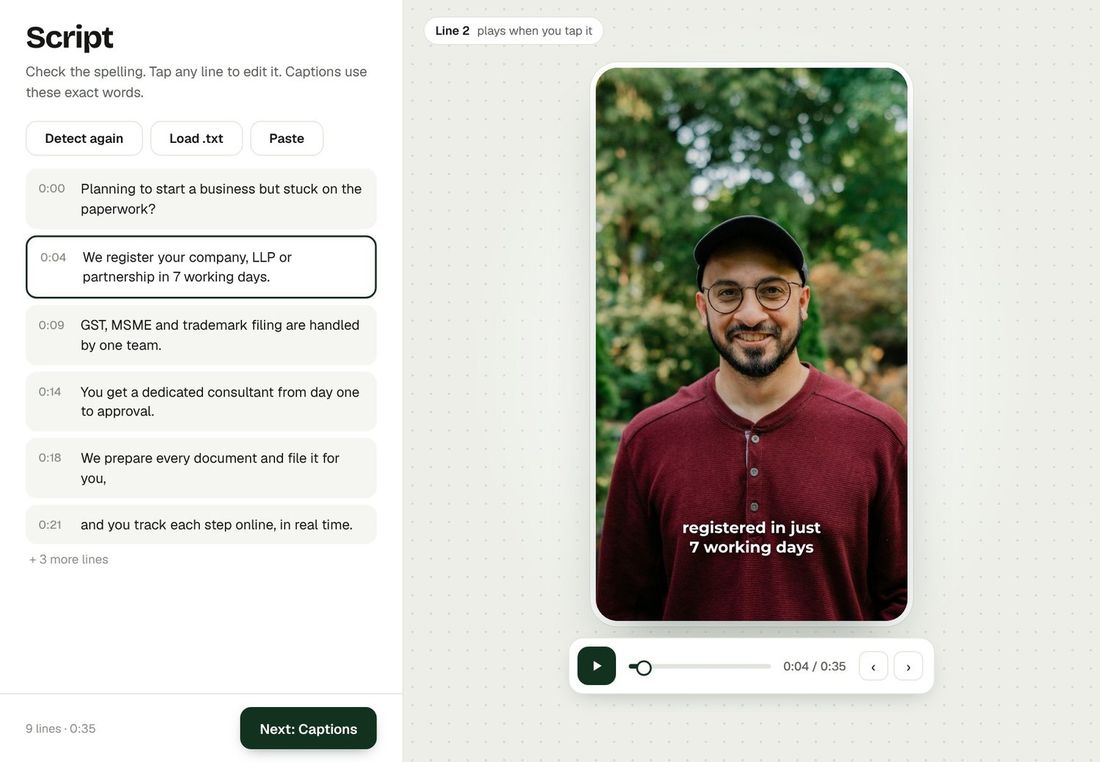
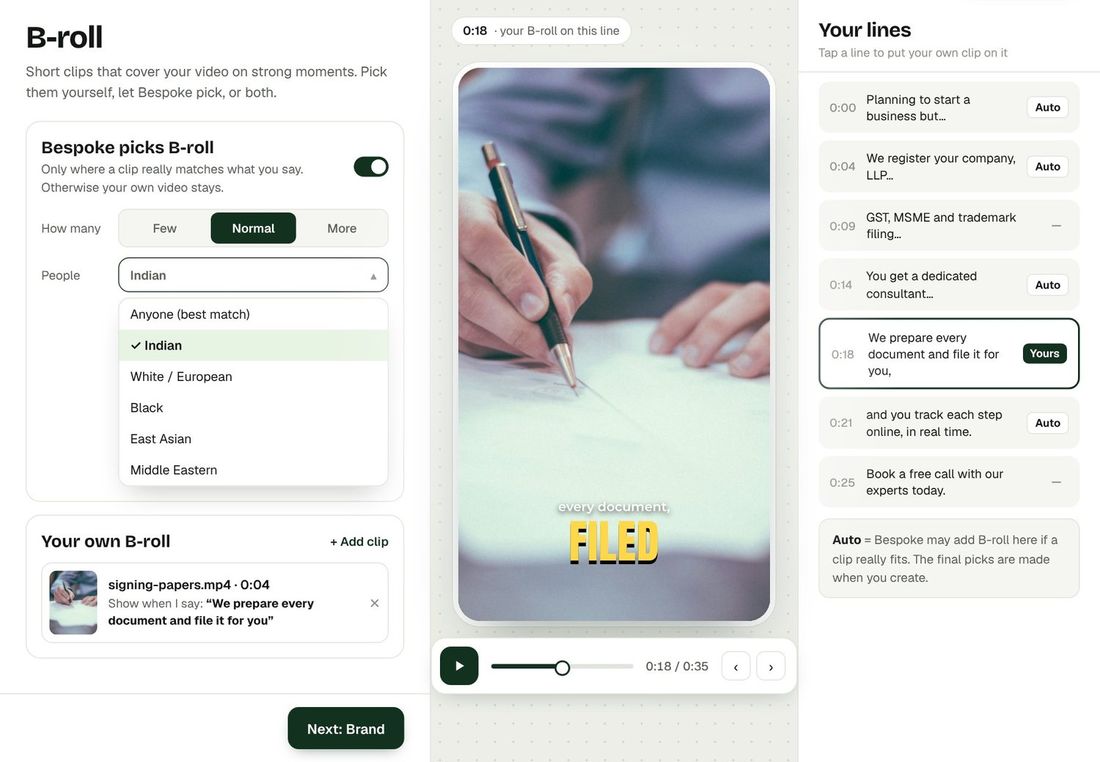
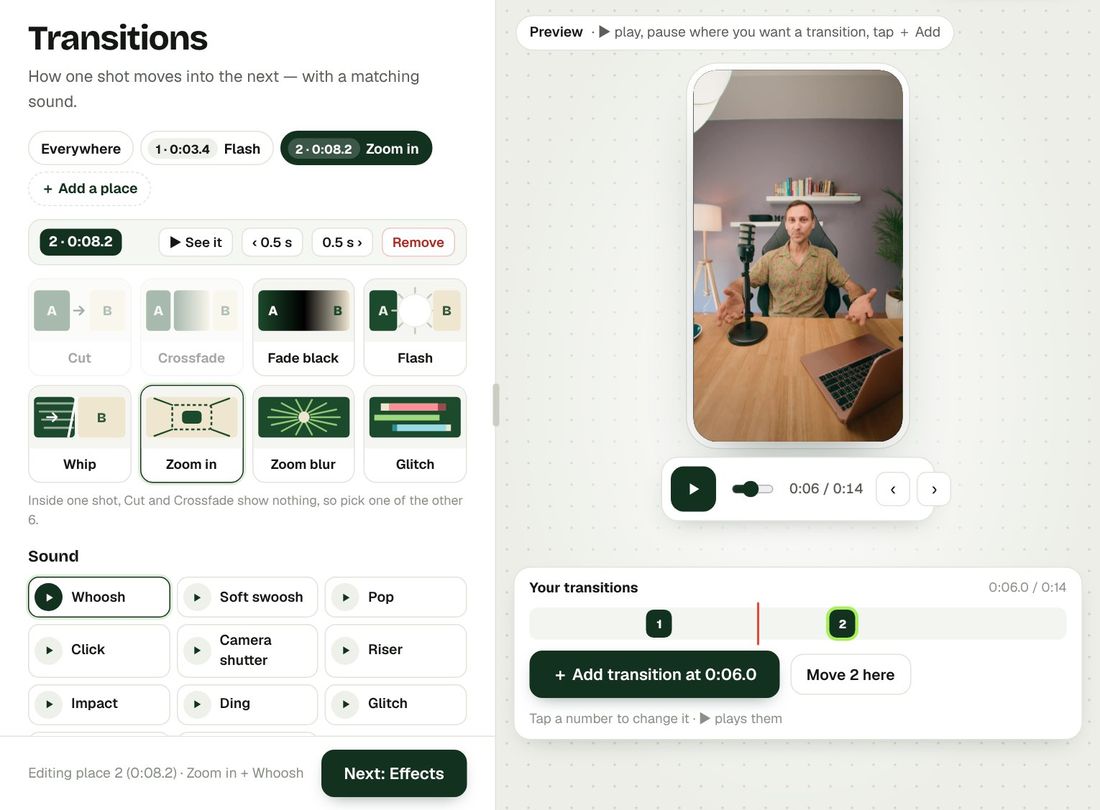
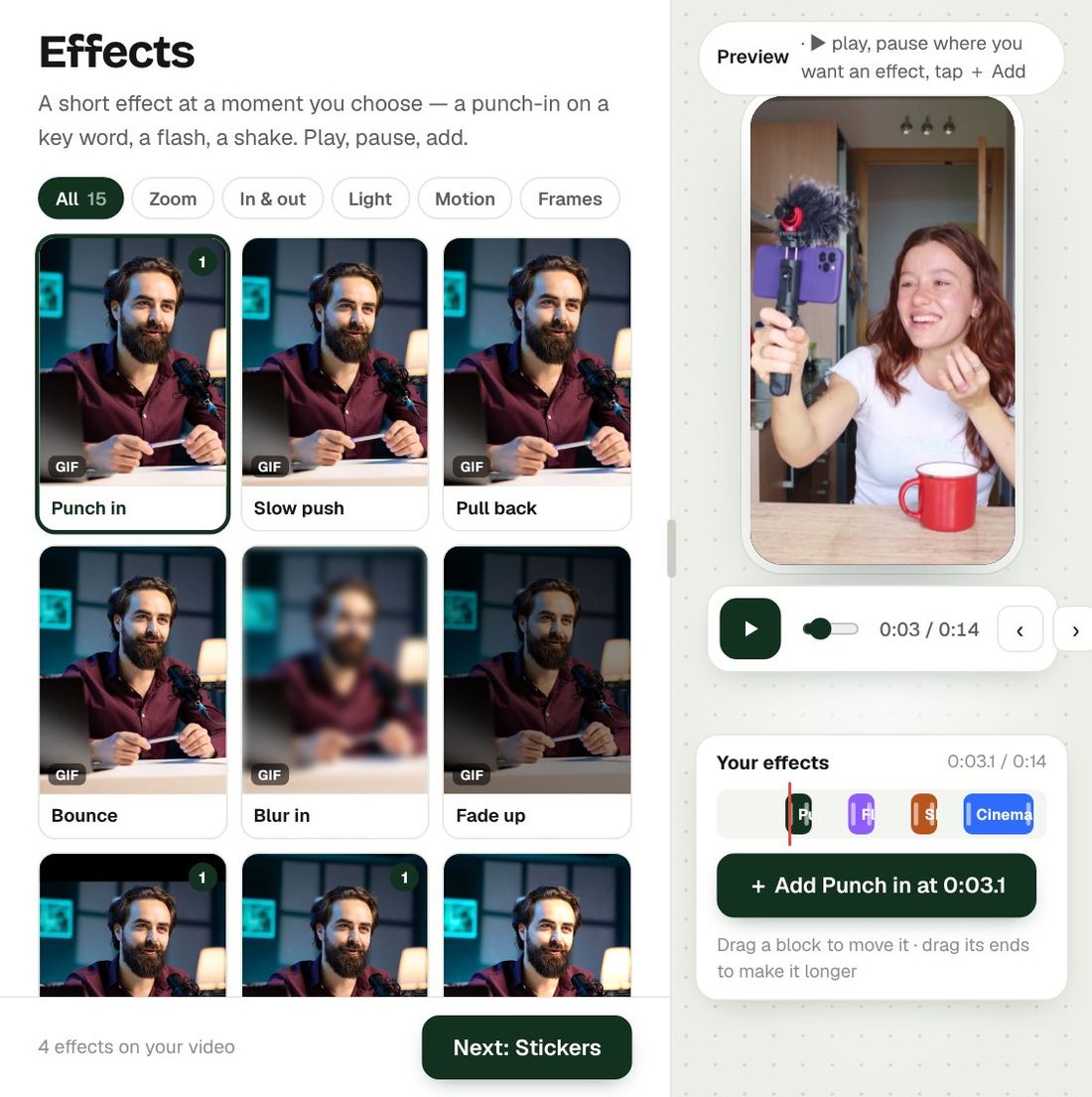
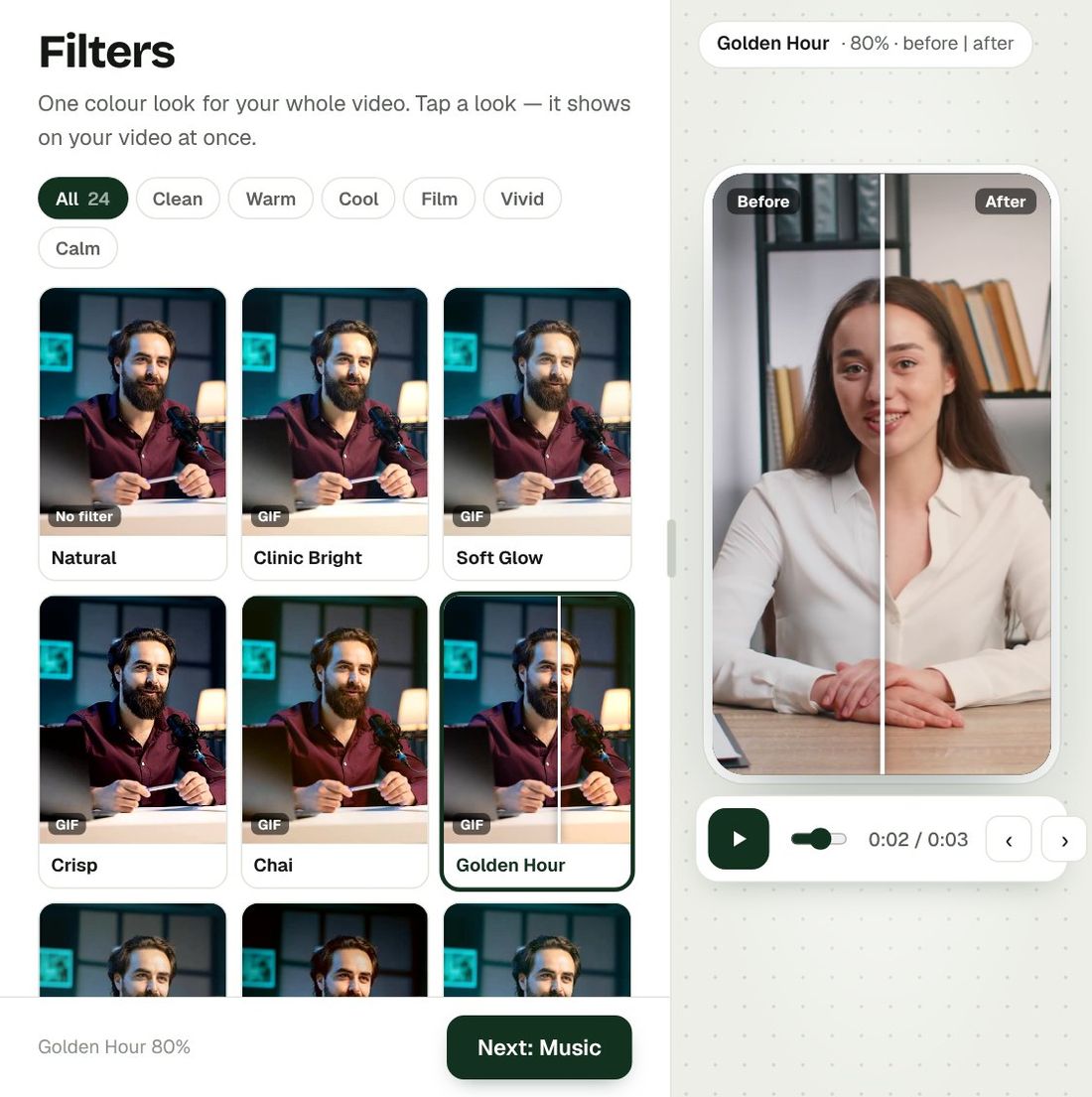
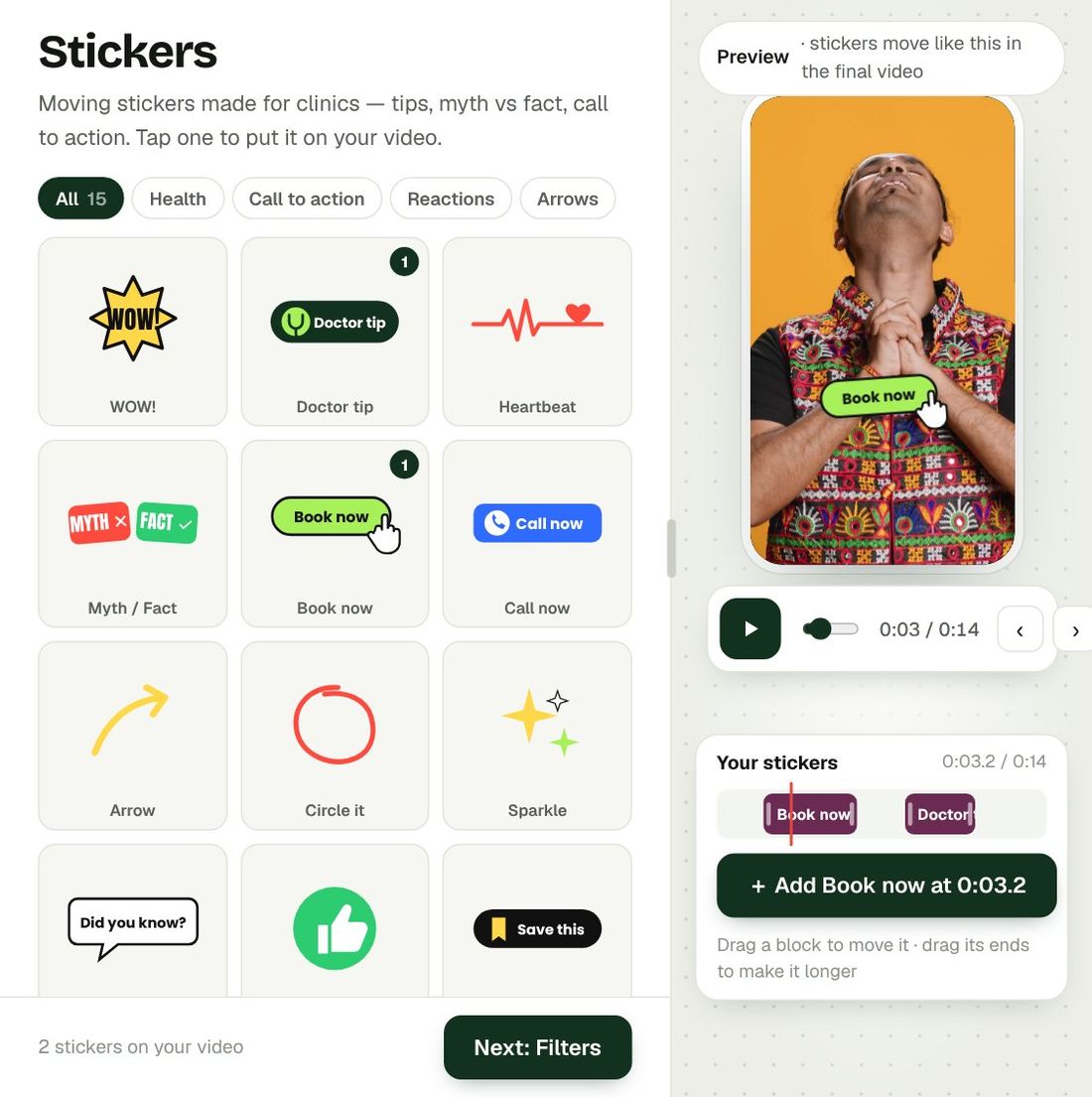
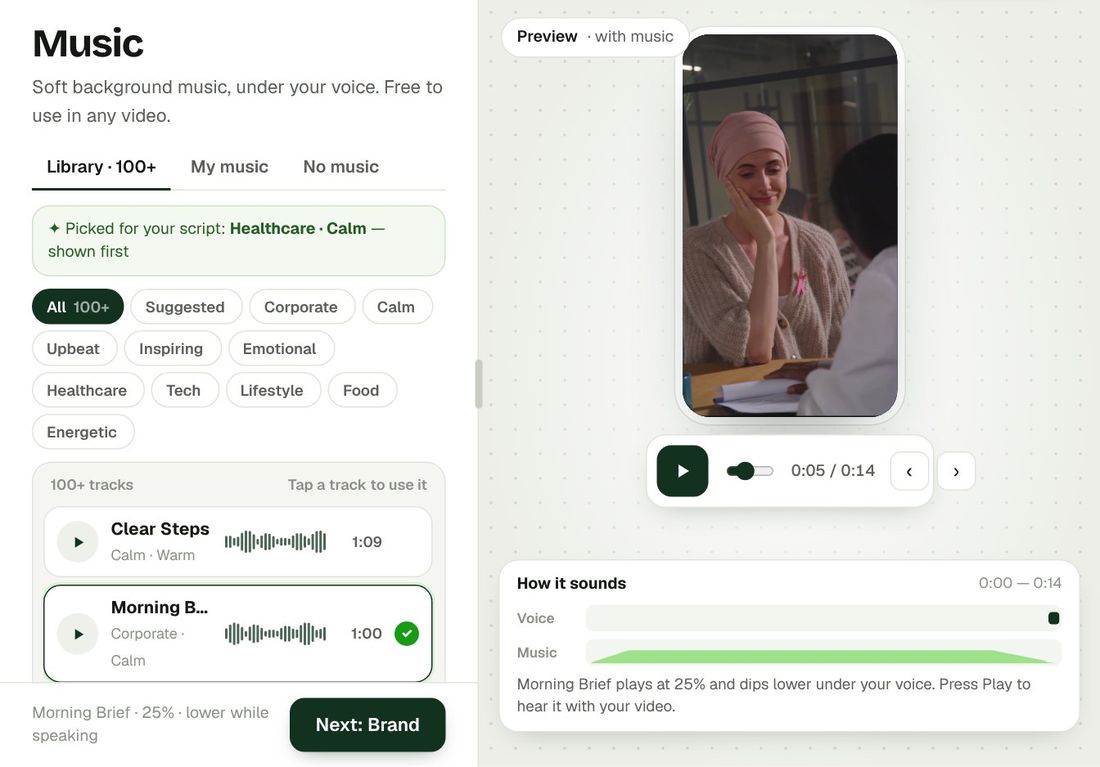
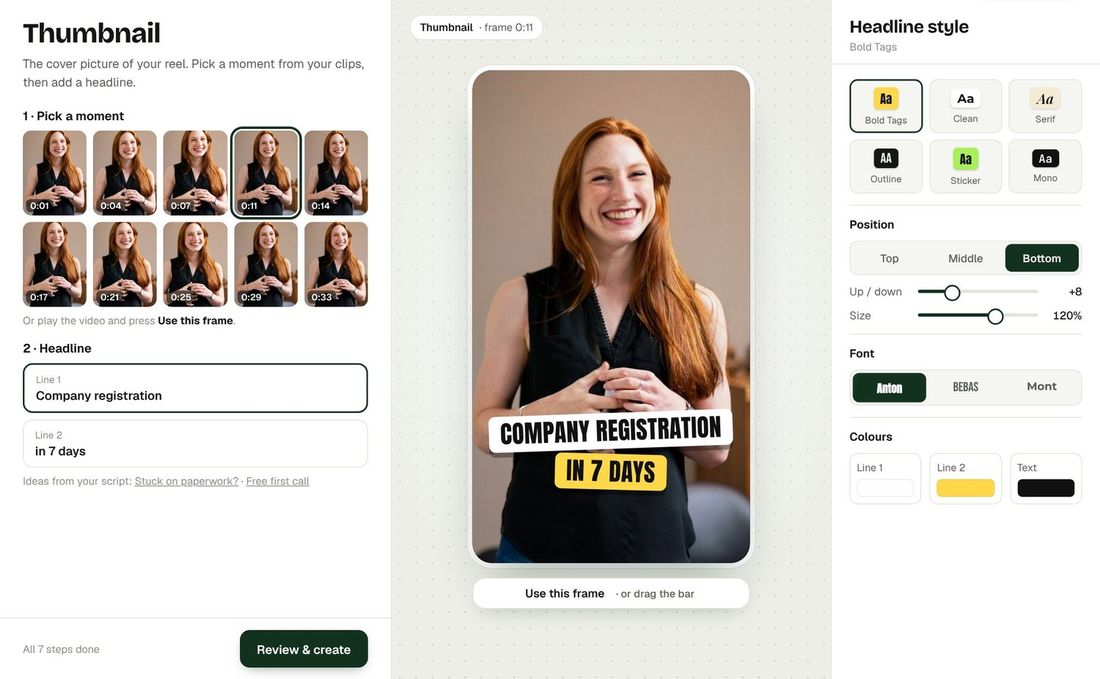
Open Quick Mode, choose the project and department, upload the video (or several clips) and paste the script. Choose a caption style, size and presenter, set Auto-trim, Studio Voice and the Quality Enhancer, and press Create.
6. Preview and download
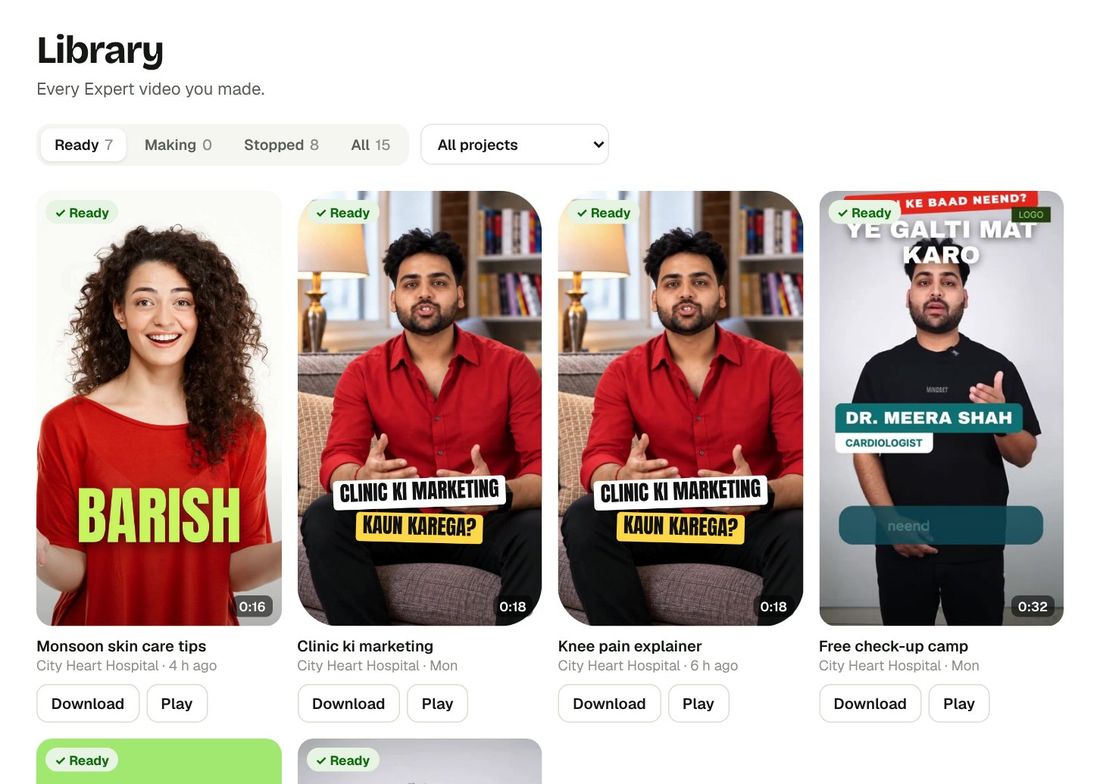
Follow the progress live. When the video is complete, preview it, check it carefully, and download it. Finished videos are available for 30 days.
Make your first video with Bespoke
Upload a clip from your phone and get a finished reel with captions, B-roll and clean sound. Your first 2 videos are free, no card needed.