





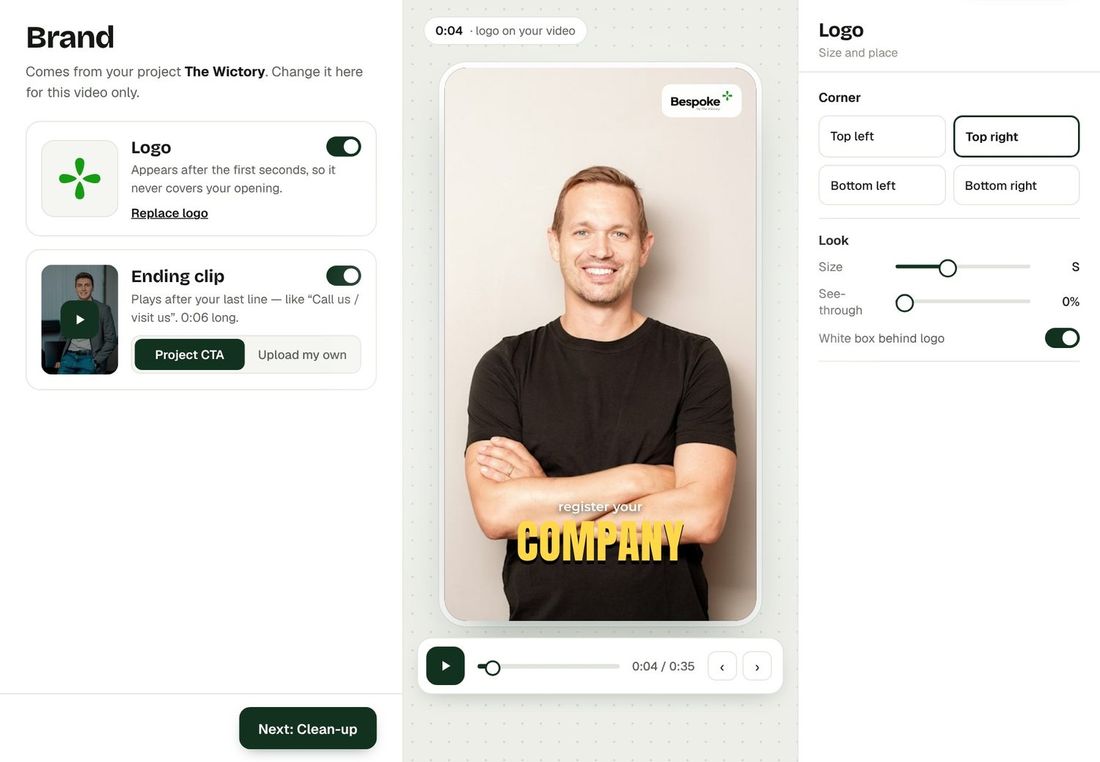



Set up your CTA after you already made some videos? No need to make them again. Bespoke can add your project's call-to-action to any finished video.
How to add it
- Add your CTA (and, if you like, your brand card and brand name) to the project in Projects.
- Open a finished video and press Preview.
- Choose CTA in the edit tools and add it. It is joined to the end of your video in the background, usually in well under a minute.
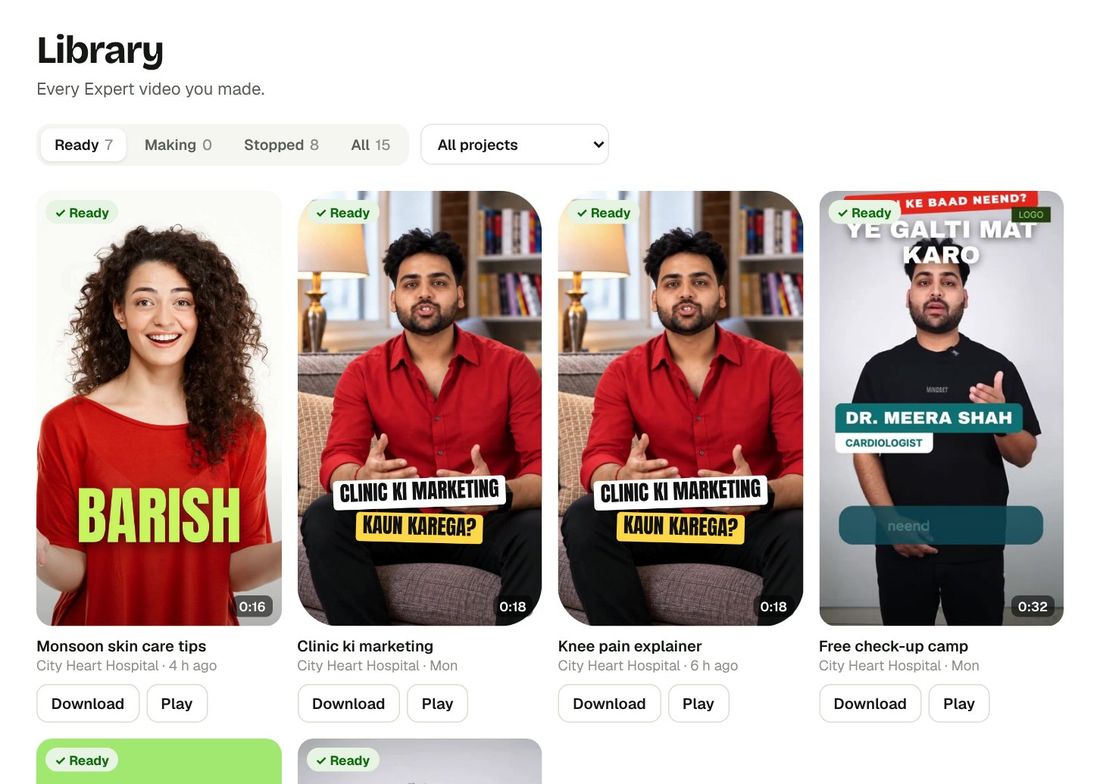
- Download the new version. Your video, captions and B-roll stay exactly as they were.
Good to know
- No re-render and no extra credits.
- Changed your mind? Use Undo last change or Back to original. See Touch-ups After Export.
- New videos get your CTA automatically. See Automatic Call-to-Action.
Make your first video with Bespoke
Upload a clip from your phone and get a finished reel with captions, B-roll and clean sound. Your first 2 videos are free, no card needed.