





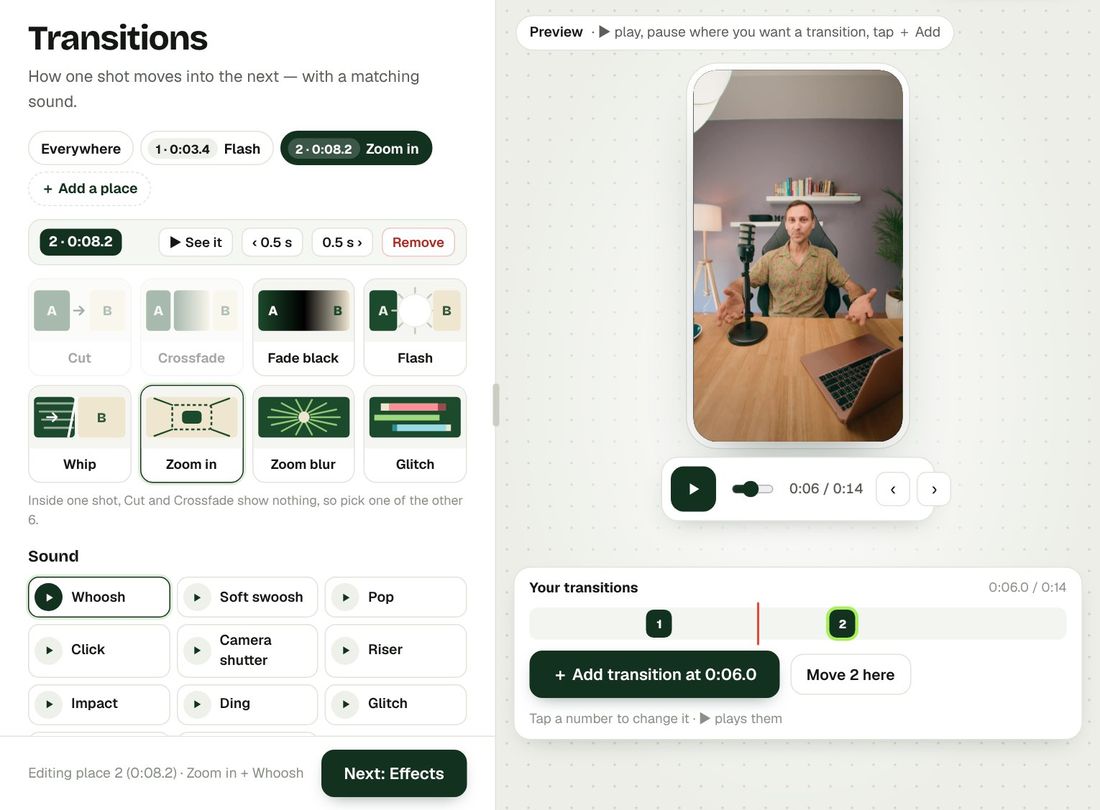
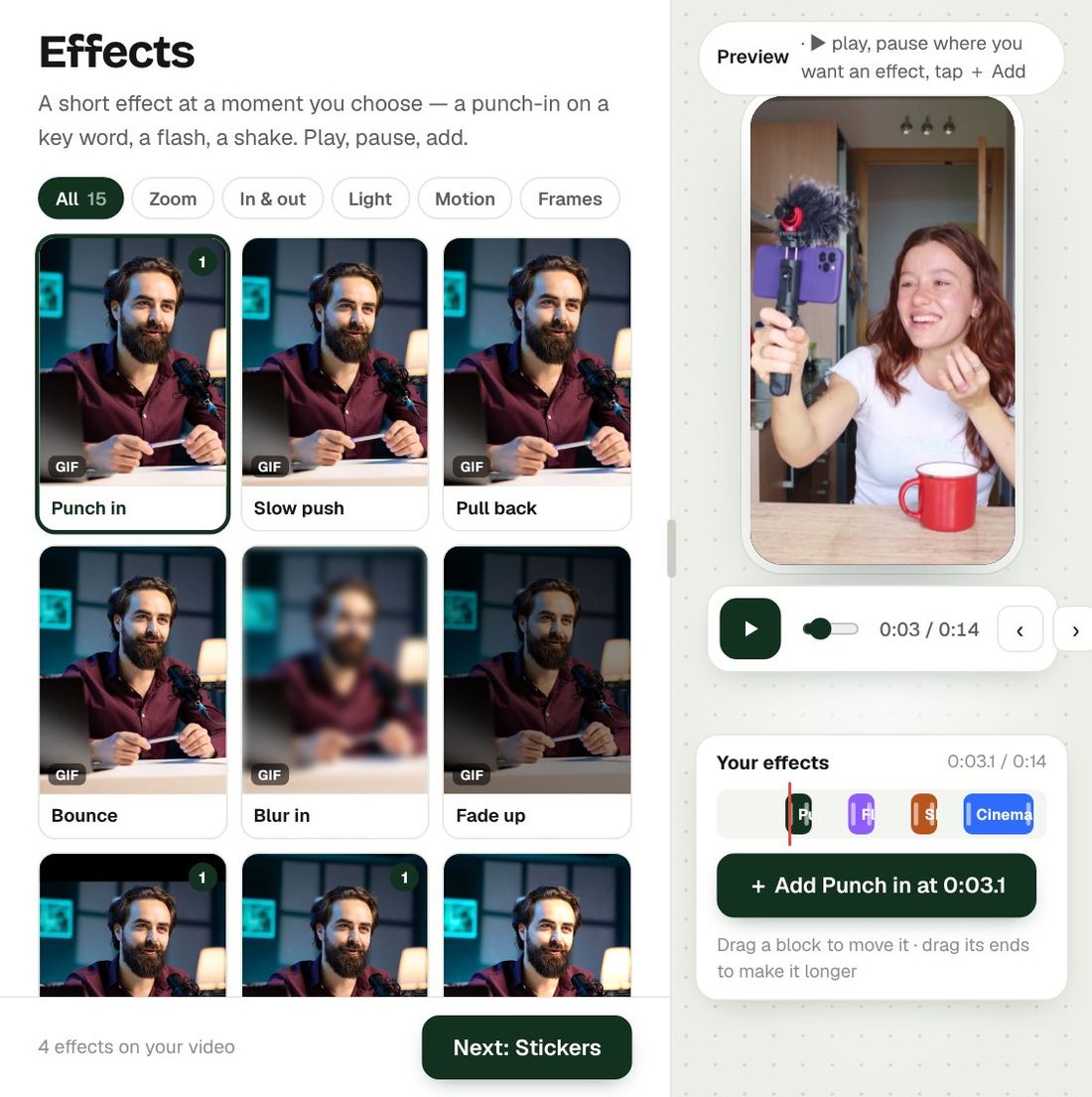
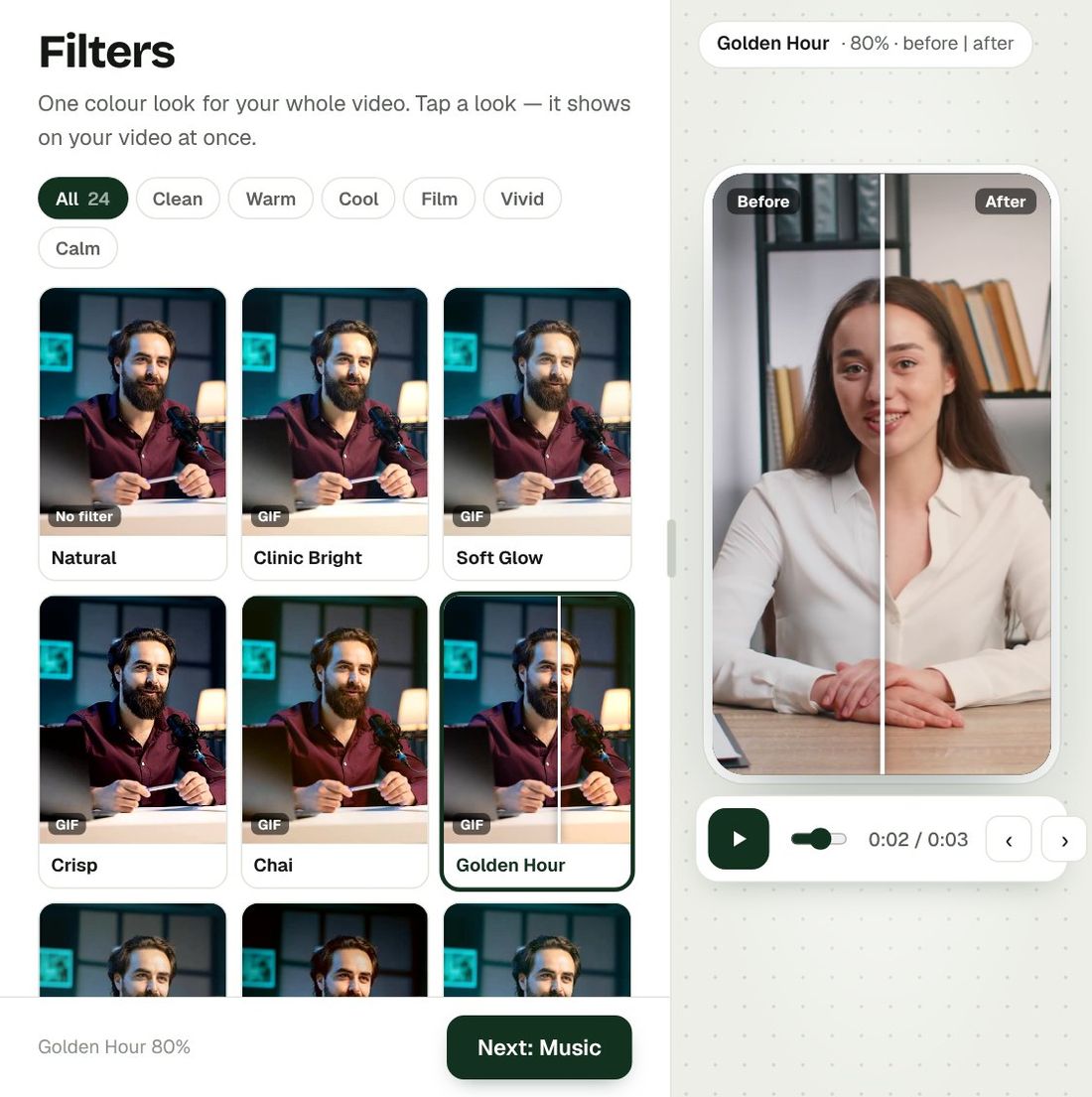
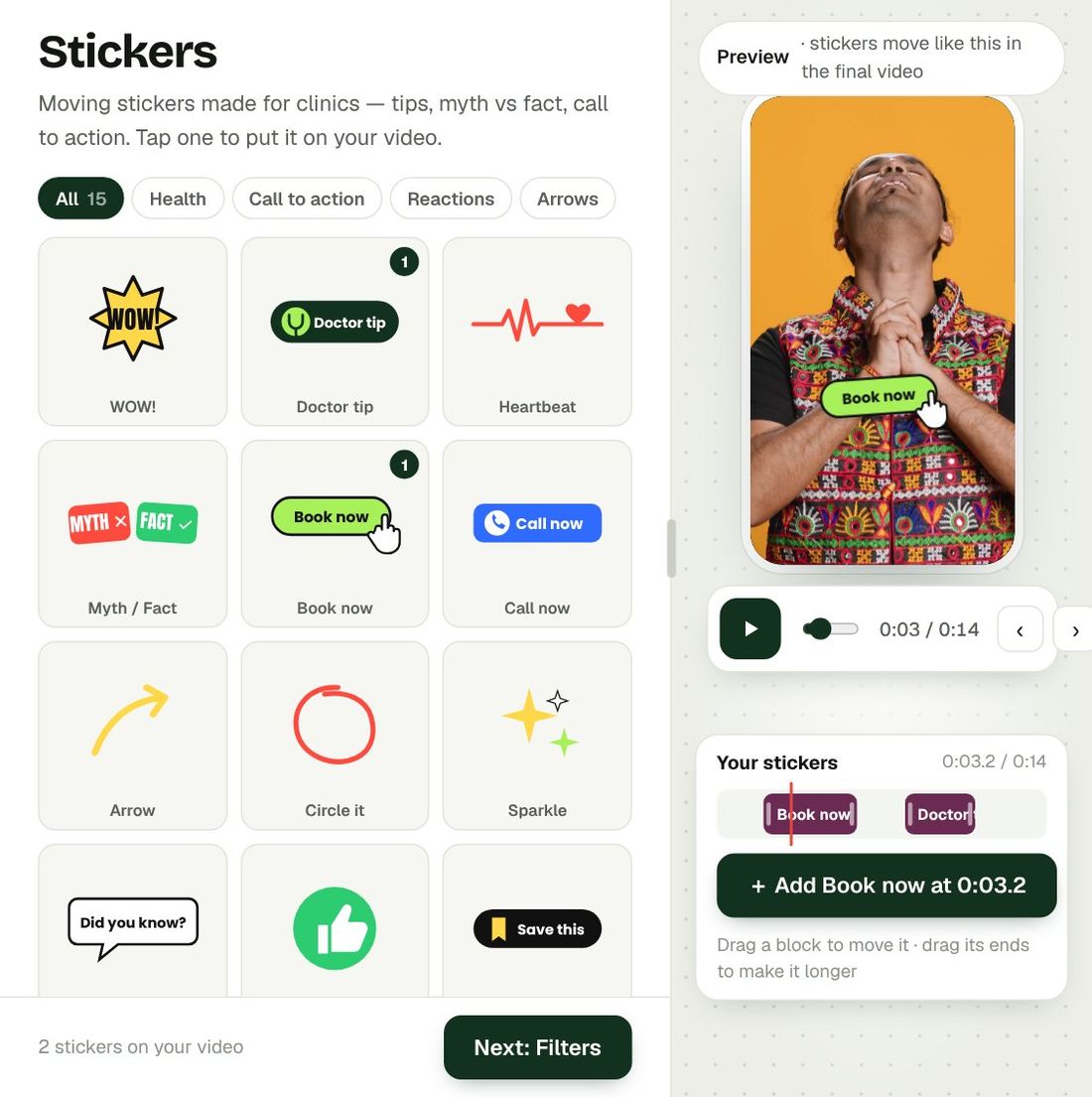
Your video is ready, but one thing is not quite right. Open it in Preview and use the touch-up tools.
The tools
- Position: move the picture left, right, up or down, with buttons or by dragging.
- Zoom: closer or wider, in percent.
- Speed: 0.5× to 1.5×. Voice and captions stay in sync.
- Remove a part: mark where a part starts and ends, listen to it, and cut it out.
- CTA: add your call-to-action. See Add CTA Anytime.
Nothing is permanent
- Undo last change brings back the version before your last edit.
- Back to original brings back the video exactly as Bespoke first made it.
- Both ask you to confirm first.
Good to know
- No extra credits for touch-ups.
- Most changes take only a few seconds.
- Download the new version whenever you are happy with it.
Make your first video with Bespoke
Upload a clip from your phone and get a finished reel with captions, B-roll and clean sound. Your first 2 videos are free, no card needed.